Explore the guide library · Wireless settings
Compare channel width with the same clients and workload instead of assuming the widest setting is always best.
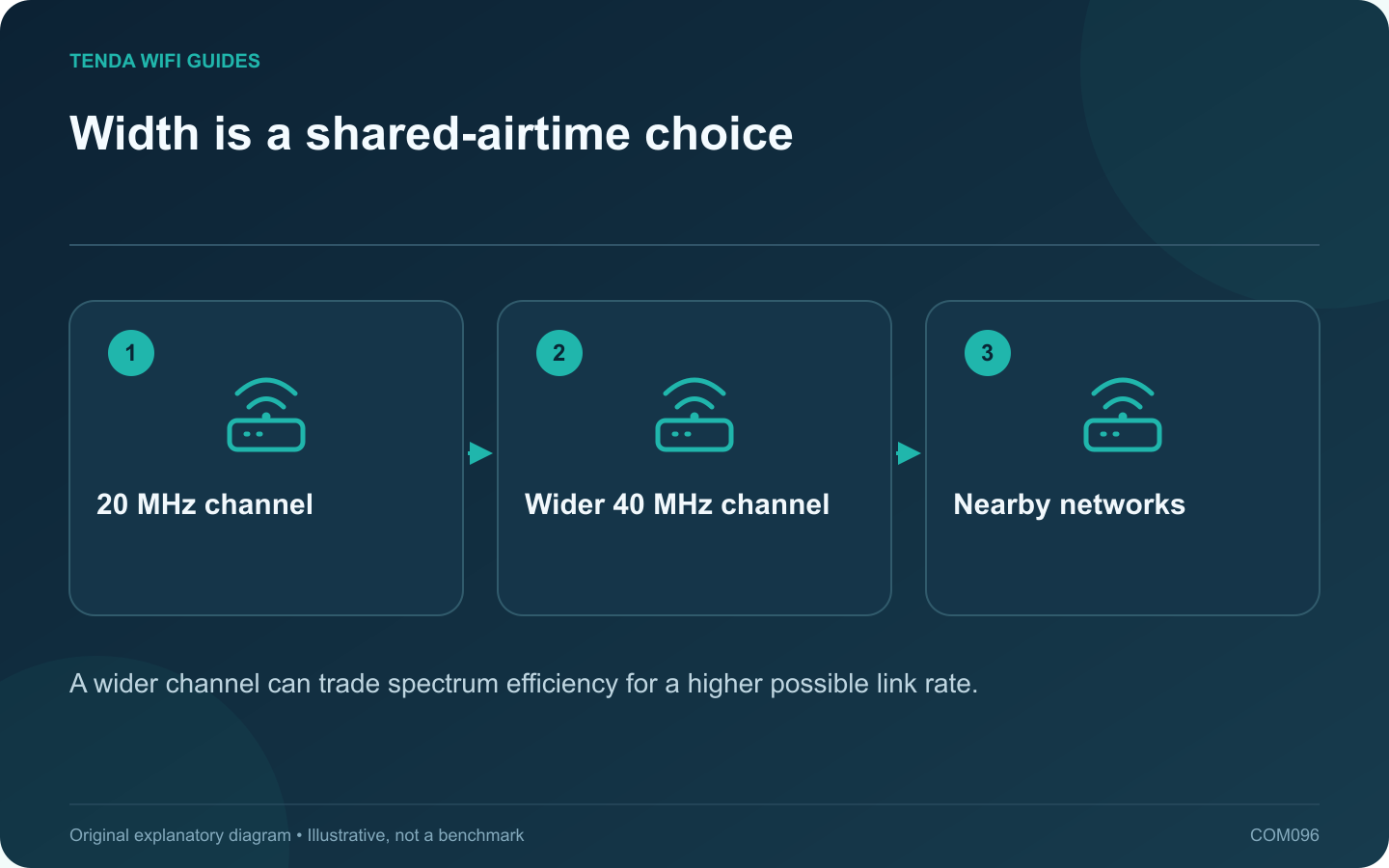
The widest available wireless channel is not automatically the most useful setting in a crowded 2.4 GHz environment. Wider operation consumes more spectrum, and neighboring networks and older clients can change the practical result. Evaluate stability and compatibility alongside the reported link rate.
Start with the documented recommendation
Apple recommends 20 MHz width on 2.4 GHz for reliability, while ASUS documents how channel-width options vary by standard and router. Use the exact model’s supported controls. A menu labeled automatic or 20/40 may behave differently from a fixed-width selection.
Choose a representative client
Use the older smart-home device, printer or distant client that actually relies on this band. A nearby modern laptop using 5 GHz is not a useful test of a 2.4 GHz change.
Make a controlled comparison
- Record the current width, channel and security settings.
- Test the client’s normal task at its usual location.
- Change only the supported channel-width setting.
- Reconnect if required and repeat the task.
- Observe stability during an ordinary busy period.
Interpret the result sensibly
A lower negotiated rate may still provide a better experience if the connection becomes more consistent. Conversely, if the original task already works reliably, a change may offer little benefit.
Do not move the router, change security and update several clients during the same comparison. That makes it difficult to identify which action affected the result.
Keep a sustainable arrangement
Use locally permitted channels and retain modern supported security. Move demanding compatible clients to an appropriate other band or wired connection when practical, leaving 2.4 GHz to serve the devices that need it.
The final choice should be a documented setting that works with the household’s real mix of devices. A larger width or a higher theoretical rate is one technical capability, not evidence that every application will become faster or more reliable.
Sources and editorial notes
Sources checked 8 October 2026. Independent guidance and original illustrations; product comparisons use published specifications rather than hands-on benchmarks. Check the exact model, revision and regional documentation before changing settings.