Independent setup & troubleshootingHelping you find your connection.
The guide library

Can you manage a router when the internet is down?

Explore the guide library · Local network setup

Distinguish the local management connection from a cloud app and prepare a recovery method before an outage.
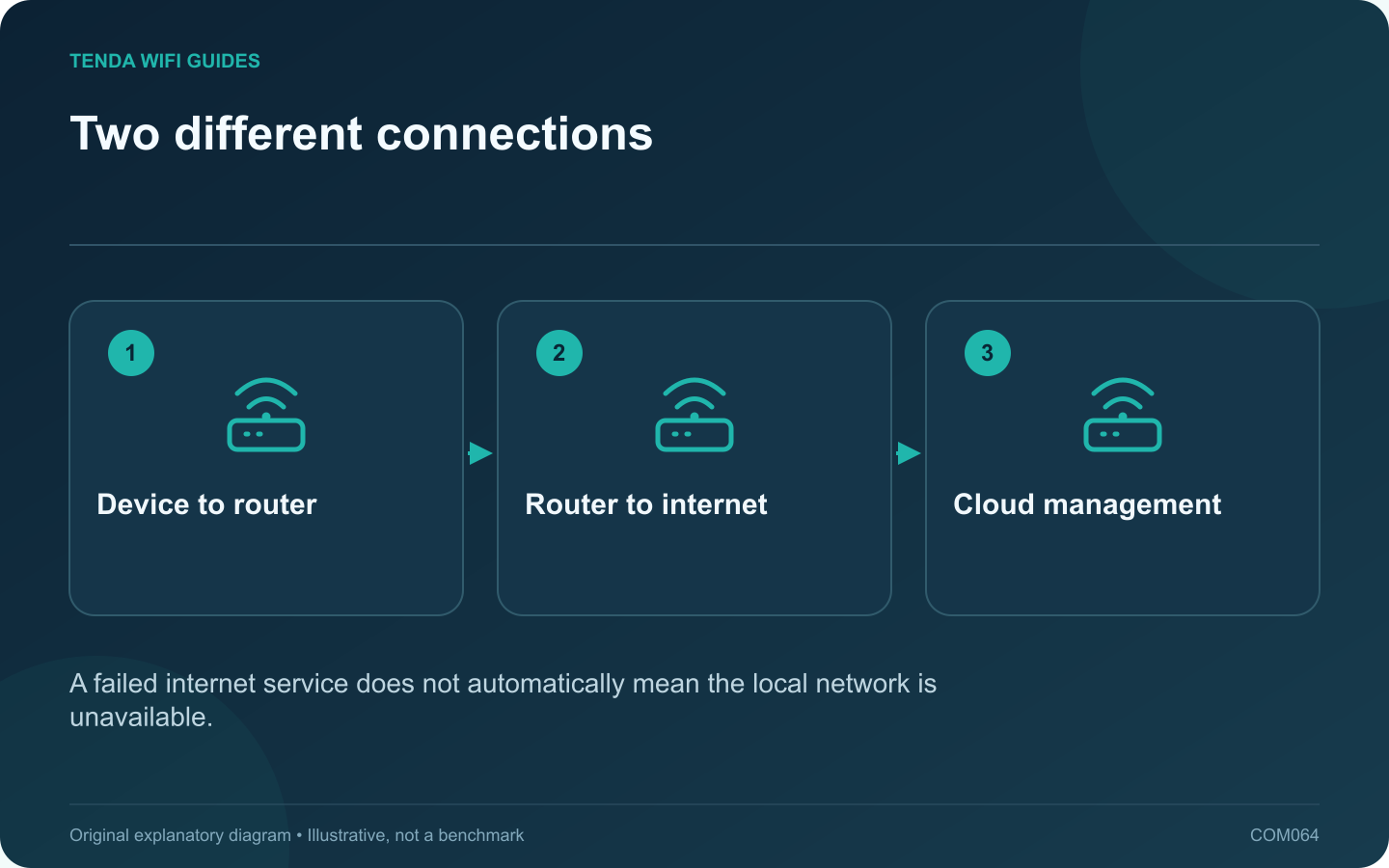
Two different connections: Device to router; Router to internet; Cloud management
A failed internet service does not automatically mean the local network is unavailable.

Many routers provide a local management interface that can remain reachable during an internet outage, provided the local network and device are working. A cloud-dependent app can fail at the same time because it needs a different path. Prepare the supported local method before you need it.

Record the management route

Find the current local address or documented management name, the required protocol and any customized port. Keep the administrator credential in a private record. GL.iNet’s access-control guide demonstrates that local management interfaces and remote controls are separate settings.

If an access point obtains its address from another router, note how to locate that address in the gateway’s client list. The original factory address may no longer describe the current installation.

During an outage, check the local link first

  1. Confirm that your device is connected to the intended home network.
  2. Inspect its local address and gateway information.
  3. Use the documented local management location rather than searching the web for a login page.
  4. Read the router’s WAN and system status without immediately changing settings.

Interpret an app failure correctly

A remote app reporting offline can indicate lost cloud reachability even when local switching or Wi-Fi still works. Test a known local resource or supported local interface to distinguish those conditions.

Conversely, if no local device can reach the router and its normal indicators have not returned, investigate power and startup status. A DNS change is not the first response to a router that is not operating.

Prepare a practical fallback

Keep a compatible Ethernet cable and adapter if wired administration is part of the router’s supported recovery process. Save the manual or recovery instructions where they remain available without the home internet connection.

Do not expose the management interface publicly merely to make future access more convenient. A reliable local recovery path should remain available to authorized household administrators while the normal remote-access policy stays deliberate and restricted.

Sources and editorial notes

Sources checked 8 October 2026. Independent guidance and original illustrations; product comparisons use published specifications rather than hands-on benchmarks. Check the exact model, revision and regional documentation before changing settings.

Related guides

300 FAQs across our guide libraries

Quick answers

100 practical questions from Tenda WiFi Guides.

Browse all 100 FAQs
Can I open router settings without working internet service?

Many routers provide a local management interface that can remain reachable during an internet outage, provided the local network and device are working. A cloud-dependent app can fail at the same time because it needs a different path. Prepare the supported local method before you need it. Find the current local address or documented management name, the required protocol and any customized port. Keep the administrator credential in a private record. GL.iNet's access-control guide demonstrates that local management interfaces and remote controls are separate settings.

Read the full guide and sources
Will changing router DNS affect every device?

A router DNS change can affect many household clients, but it does not prove that every application will use the chosen resolver. A device, browser or VPN may have its own policy. Define the intended result before changing the router: troubleshooting, filtering, privacy or a provider requirement. Note the router's DNS mode, the test client's network settings and any active VPN or browser secure-DNS configuration. Keep the old values so you can reverse the change. If this is a work-managed device, follow its administrator's policy rather than overriding it.

Read the full guide and sources
When can changing the router’s LAN subnet help?

An overlapping private address range can make a remote network difficult to reach through a VPN or another routed connection. Changing the home LAN range may resolve the overlap, but only when the complete local address plan moves with it. Do not change a work-managed network without its administrator. Compare the local network and the remote network information supplied by the responsible administrator. A similar-looking number is not enough; the subnet mask or prefix determines the range. Ask for a non-overlapping private range appropriate to the arrangement.

Read the full guide and sources
How should I choose a guest Wi-Fi bandwidth limit?

A guest bandwidth limit can keep visitors' large transfers from dominating a small connection, but an arbitrary low number can make basic use frustrating. First decide whether the goal is protecting calls, limiting total consumption or controlling a particular device. Determine whether the router limits each guest, a selected client or the entire guest network. Check upload and download separately. Vendor guides such as GL.iNet's guest-network documentation describe supported controls, but availability varies with model, firmware and operating mode.

Read the full guide and sources
Independent. Practical. Clear.

Tenda WiFi Guides is an independent information website. We are not affiliated with or endorsed by Tenda. Product names belong to their respective owners.