Explore the guide library · Local network setup
Plan reservations, static devices and the new management address before changing the home network’s private address range.
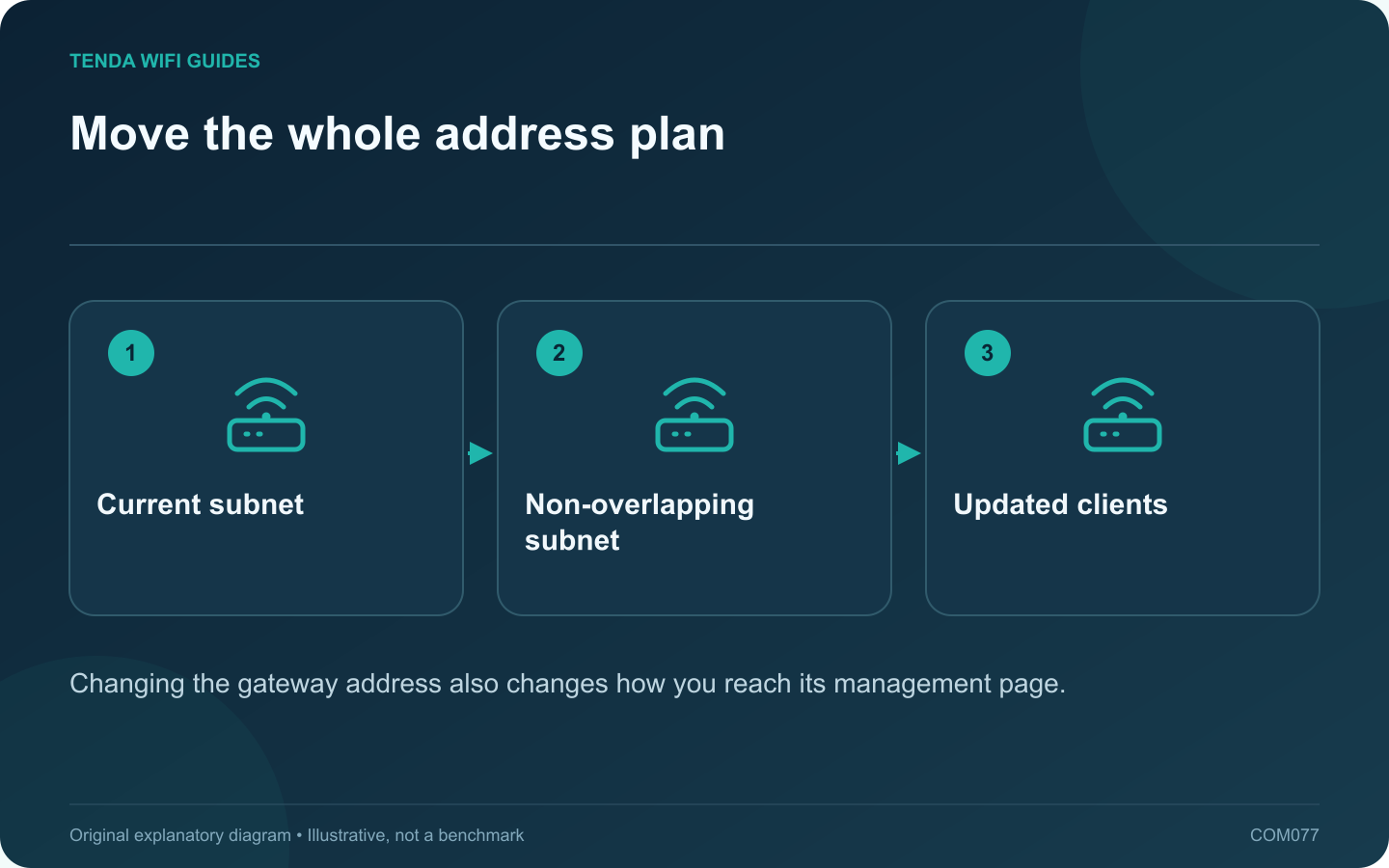
An overlapping private address range can make a remote network difficult to reach through a VPN or another routed connection. Changing the home LAN range may resolve the overlap, but only when the complete local address plan moves with it. Do not change a work-managed network without its administrator.
Confirm the overlap first
Compare the local network and the remote network information supplied by the responsible administrator. A similar-looking number is not enough; the subnet mask or prefix determines the range. Ask for a non-overlapping private range appropriate to the arrangement.
Inventory fixed dependencies
- DHCP reservations and manually configured clients.
- Printer ports and storage bookmarks using numeric addresses.
- Forwarding or access rules referring to local addresses.
- Access points with fixed management addresses.
GL.iNet’s LAN guide documents changing the local subnet and reservation settings. Other routers expose different controls, so use the model’s supported process.
Perform the change locally
- Save a private backup and readable record.
- Choose a maintenance period and remain physically near the router.
- Set the new supported LAN address and DHCP range.
- Reconnect the administration client so it obtains new settings.
- Open the router at its new management address.
Repair the dependencies deliberately
Update manually addressed devices and application shortcuts that still refer to the old range. Confirm reservations remain valid under the product’s rules. Test a normal dynamic client before troubleshooting every individual peripheral.
Verify the original problem
Reconnect the intended VPN and test the specific remote resource. Also check local printing, storage and internet access. If the remote issue remains, the overlap may not have been the only cause.
Record the final address plan where an authorized household administrator can find it. A subnet change should leave fewer ambiguities, not a mix of old fixed addresses and new dynamic leases that produces intermittent failures later.
Sources and editorial notes
Sources checked 8 October 2026. Independent guidance and original illustrations; product comparisons use published specifications rather than hands-on benchmarks. Check the exact model, revision and regional documentation before changing settings.