Independent setup & troubleshootingHelping you find your connection.
The guide library

DHCP reservation vs a manual static IP: which should you use at home?

Explore the guide library · Local network setup

Choose where the address is controlled and avoid assigning the same address to two devices.
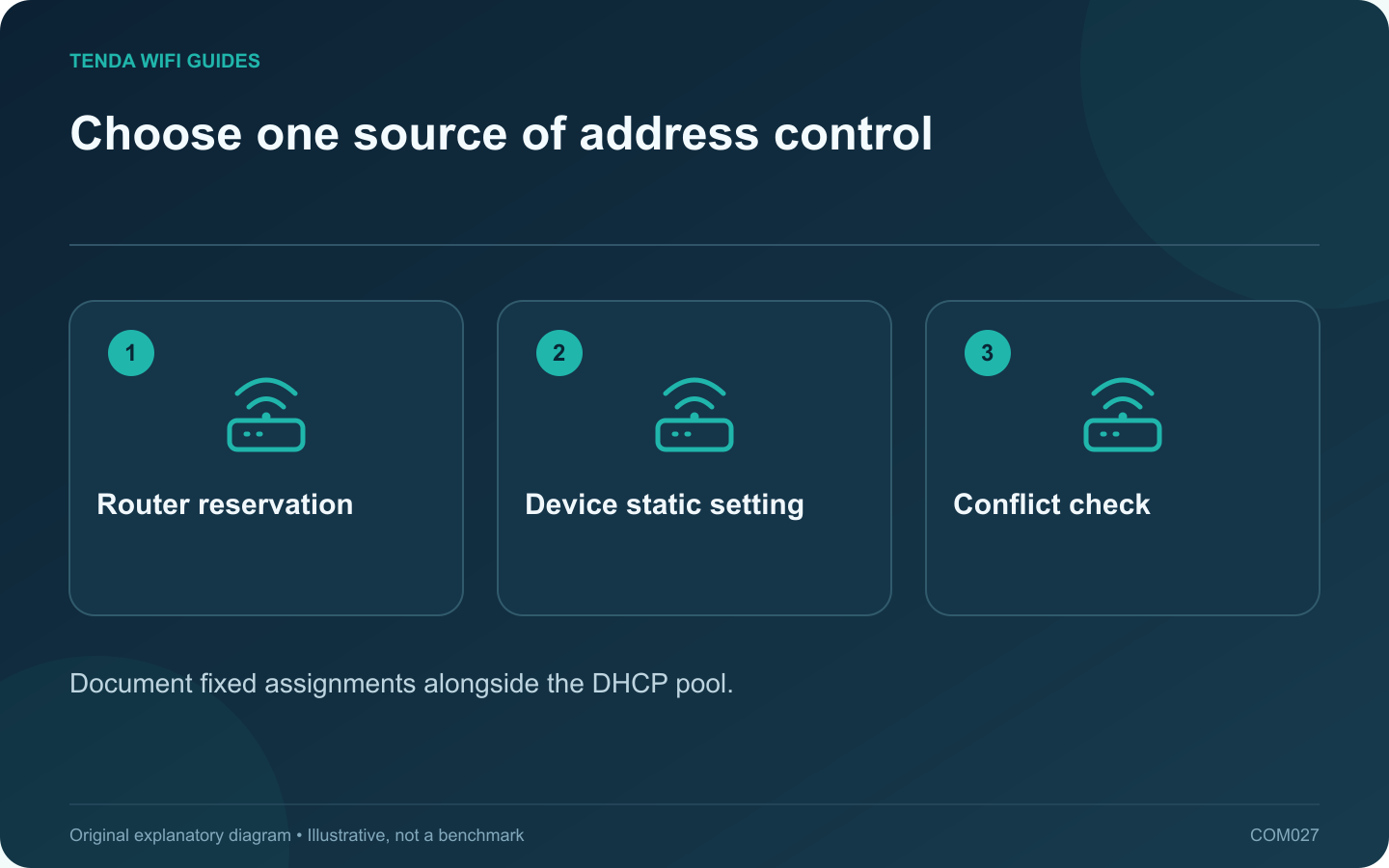
Choose one source of address control: Router reservation; Device static setting; Conflict check
Document fixed assignments alongside the DHCP pool.

For an ordinary home device that needs a predictable address, a DHCP reservation is often easier to maintain because the router holds the assignment. A manual static address lives on the client instead. Either can be appropriate, but mixing them without an address plan creates avoidable confusion.

Where the decision is stored

With a reservation, the client still requests its configuration from DHCP and the server selects the reserved address. GL.iNet documents this behavior in its LAN guide. With a manual client configuration, you must maintain the address and the associated network settings on that device.

That difference matters during a router replacement or subnet change. The reservation must be recreated on the serving router; the manually configured device may require direct correction before it can reach the new network.

Choose by the management task

  • Printer, storage box or home automation controller: consider a reservation when the device supports DHCP and you manage the router.
  • Equipment with a documented static requirement: follow the product or network administrator’s address plan.
  • A temporary troubleshooting laptop: prefer normal automatic configuration unless a specific diagnostic step requires otherwise.

Avoid the duplicate-address trap

Keep a list of all fixed assignments and compare them with the DHCP pool. Use the router’s documented rules for reserved addresses. Do not simply pick a memorable number that appears unused for a moment; a sleeping device might already own it.

After saving a change, reconnect the target and confirm its actual address, gateway and ability to reach the required resource. Test from another ordinary client too.

Keep recovery straightforward

Record how to return the device to DHCP and how to reach its management interface if the addressing is wrong. Make one assignment change at a time.

A fixed address is an organizational tool, not an internet speed setting. Choose the method that someone else maintaining the household can understand and reproduce from the record.

Sources and editorial notes

Sources checked 8 October 2026. Independent guidance and original illustrations; product comparisons use published specifications rather than hands-on benchmarks. Check the exact model, revision and regional documentation before changing settings.

Related guides

300 FAQs across our guide libraries

Quick answers

100 practical questions from Tenda WiFi Guides.

Browse all 100 FAQs
Should I use a DHCP reservation or a manual static address?

For an ordinary home device that needs a predictable address, a DHCP reservation is often easier to maintain because the router holds the assignment. A manual static address lives on the client instead. Either can be appropriate, but mixing them without an address plan creates avoidable confusion. With a reservation, the client still requests its configuration from DHCP and the server selects the reserved address. GL.iNet documents this behavior in its LAN guide. With a manual client configuration, you must maintain the address and the associated network settings on that device.

Read the full guide and sources
How do I choose the size of my DHCP address pool?

A home network's DHCP pool needs enough addresses for the clients that may connect, including devices you do not use every day. Count the network interfaces and visitors, not just the number of people in the house. A full pool can prevent a new device from receiving a useful configuration even while existing devices remain online. Compare the router's current client list with a room-by-room list of televisions, speakers, printers, cameras, consoles and computers. Include wired devices. Note occasional equipment such as a work laptop or visiting family phone that may not appear in today's online list.

Read the full guide and sources
Why reserve a printer’s IP address?

A printer shortcut becomes fragile when it points to an address that later changes. A DHCP reservation can make the address predictable while leaving the printer on automatic network configuration. Set it on the device that actually supplies DHCP to the printer, not automatically on whichever access point is nearest. Read the printer's network report and compare it with the router's client list. A printer with Ethernet and Wi-Fi can have different interface identities. Reserve the interface you intend to use, then give the entry a recognizable label such as office printer.

Read the full guide and sources
When can changing the router’s LAN subnet help?

An overlapping private address range can make a remote network difficult to reach through a VPN or another routed connection. Changing the home LAN range may resolve the overlap, but only when the complete local address plan moves with it. Do not change a work-managed network without its administrator. Compare the local network and the remote network information supplied by the responsible administrator. A similar-looking number is not enough; the subnet mask or prefix determines the range. Ask for a non-overlapping private range appropriate to the arrangement.

Read the full guide and sources
Independent. Practical. Clear.

Tenda WiFi Guides is an independent information website. We are not affiliated with or endorsed by Tenda. Product names belong to their respective owners.