Independent setup & troubleshootingHelping you find your connection.
The guide library

Modem-router vs Wi-Fi router: know what the replacement must connect to

Explore the guide library · Installation planning

Identify the provider’s physical handoff before buying a router that may still need a separate modem or optical terminal.
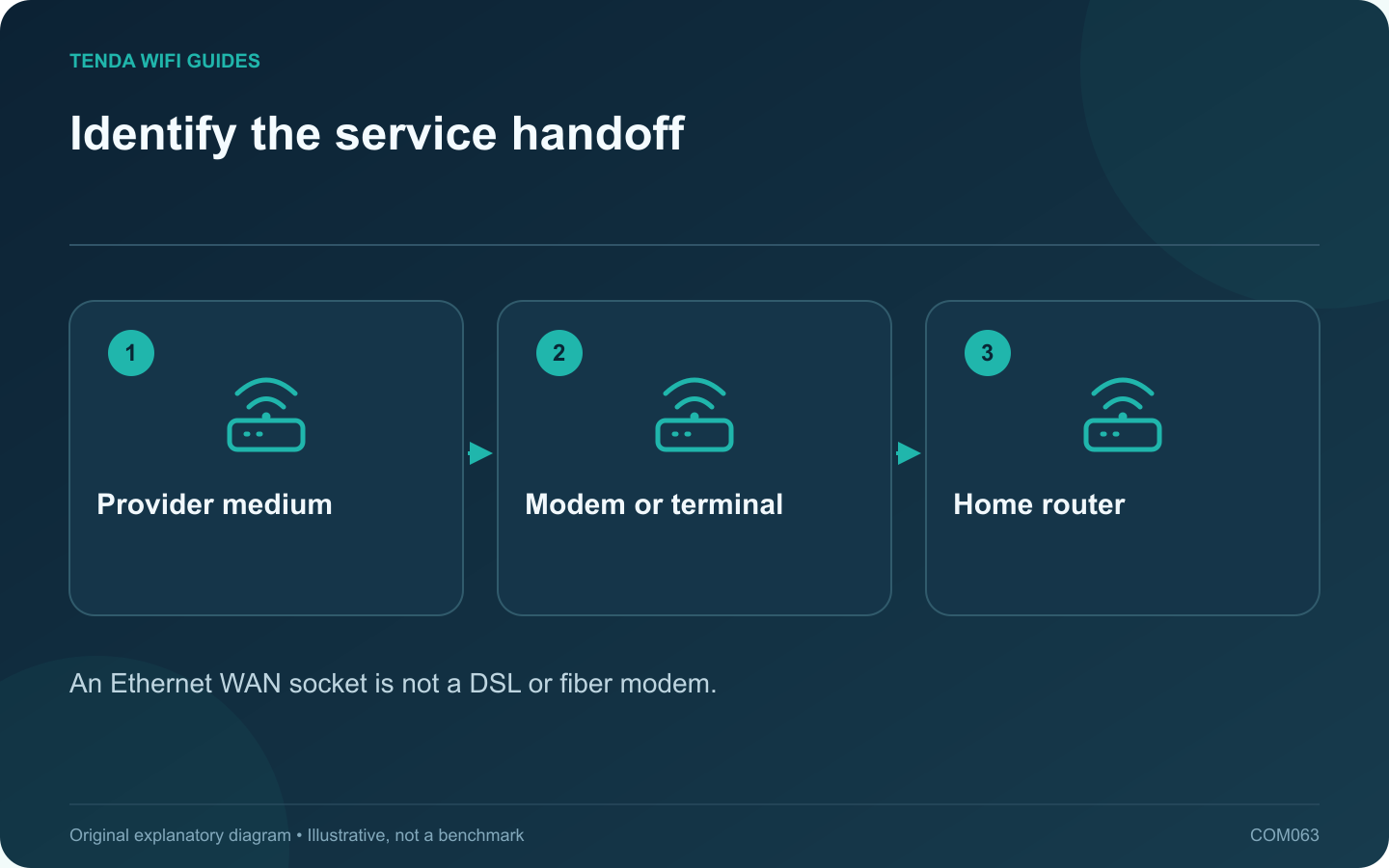
Identify the service handoff: Provider medium; Modem or terminal; Home router
An Ethernet WAN socket is not a DSL or fiber modem.

A Wi-Fi router and a modem-router are not interchangeable simply because both broadcast a wireless network. Identify the physical connection supplied by your provider before buying a replacement. A retail router with an Ethernet WAN port may still need an upstream modem, optical terminal or provider gateway.

Follow the cable into the current device

Note whether the service enters through a telephone-style DSL connection, coaxial cable, fiber terminal or Ethernet handoff. Record the exact provider equipment and any telephone or television service attached to it.

Tenda’s D301/D151 documentation includes DSL-specific setup stages, while its Ethernet router guidance starts with a WAN Ethernet connection. Those are different installation paths, even when later screens contain familiar terms such as PPPoE.

Ask the provider about replacement support

  • Which upstream equipment must remain?
  • Can the supplied gateway use a supported bridge arrangement?
  • What authentication or service tags are required?
  • Will telephone or television functions be affected?
  • Is the proposed modem or router approved for this service?

Compare complete configurations

Price the whole supported path. A separate modem and router can offer flexibility, while a combined unit can simplify the box count. The better arrangement depends on service compatibility, maintenance and the features you need.

Do not buy an imported or similarly named modem on the assumption that all provider networks use identical settings. Regional hardware and service requirements can differ.

Test the handoff before tuning Wi-Fi

After installation, confirm the upstream service status and test a wired client through the new router. Configure and test wireless coverage after the basic service path works.

Keep the previous working equipment and configuration until all provider services pass. If the replacement cannot establish the service handoff, return to the provider requirements rather than repeatedly changing wireless channels.

The key purchase question is what each box must do between the provider medium and your devices. Once those roles are clear, the appropriate product category is easier to choose.

Sources and editorial notes

Sources checked 8 October 2026. Independent guidance and original illustrations; product comparisons use published specifications rather than hands-on benchmarks. Check the exact model, revision and regional documentation before changing settings.

Related guides

300 FAQs across our guide libraries

Quick answers

100 practical questions from Tenda WiFi Guides.

Browse all 100 FAQs
Is a Wi-Fi router a replacement for every modem-router?

A Wi-Fi router and a modem-router are not interchangeable simply because both broadcast a wireless network. Identify the physical connection supplied by your provider before buying a replacement. A retail router with an Ethernet WAN port may still need an upstream modem, optical terminal or provider gateway. Note whether the service enters through a telephone-style DSL connection, coaxial cable, fiber terminal or Ethernet handoff. Record the exact provider equipment and any telephone or television service attached to it.

Read the full guide and sources
Can a replacement router reuse my existing Wi-Fi name and password?

Keeping the same wireless name and password can make a router replacement easier, but it does not clone the old network. The new router still has its own address plan, security settings and feature behavior. Treat automatic reconnection as a convenience to verify, not a guarantee. Save the exact network name, including capitalization, and the security mode. Record reservations, local storage paths, guest settings and any provider configuration separately. Apple recommends consistent, unique wireless naming for its devices; avoid retaining a confusing generic default name solely to save a few minutes.

Read the full guide and sources
Which ISP settings should I collect before changing routers?

The fastest router installation often begins before any cable is unplugged. Collect the provider-specific information while the old network still works. This avoids guessing at the setup wizard and makes a failed migration easier to reverse. Identify whether the router receives Ethernet from a modem, optical terminal, wall socket or another gateway. Note the device and port at the far end of the cable. A fiber service does not necessarily mean that your retail router connects directly to the fiber.

Read the full guide and sources
How can I plan a router upgrade in a rental home?

A rental-home network upgrade should fit the connection you are allowed to administer. Start by distinguishing your own equipment from landlord-managed or shared infrastructure. Do not change a shared gateway, wiring cabinet or building network without the responsible party's permission. Is your service a private provider connection, an Ethernet outlet supplied by the building, or access to shared Wi-Fi? Record what you control and what must remain. A router suitable for one arrangement may be awkward or unsupported in another.

Read the full guide and sources
Independent. Practical. Clear.

Tenda WiFi Guides is an independent information website. We are not affiliated with or endorsed by Tenda. Product names belong to their respective owners.