Explore the guide library · Installation planning
Improve your own network while preserving provider equipment, landlord requirements and an easy move-out path.
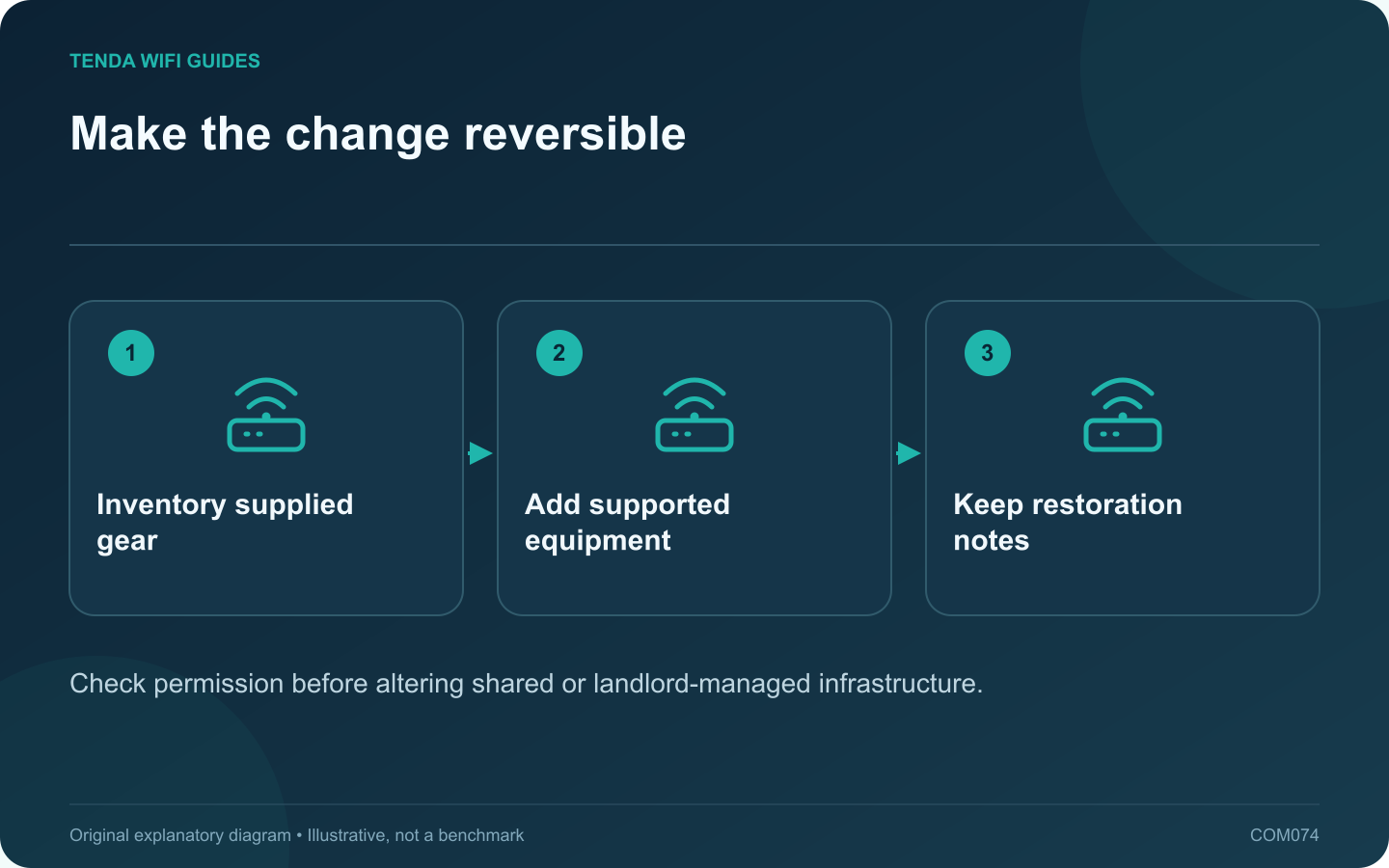
A rental-home network upgrade should fit the connection you are allowed to administer. Start by distinguishing your own equipment from landlord-managed or shared infrastructure. Do not change a shared gateway, wiring cabinet or building network without the responsible party’s permission.
Identify the boundary
Is your service a private provider connection, an Ethernet outlet supplied by the building, or access to shared Wi-Fi? Record what you control and what must remain. A router suitable for one arrangement may be awkward or unsupported in another.
Choose an appropriate operating role
For a private gateway that must stay, a supported access-point arrangement may improve wireless coverage while leaving routing upstream. Bridge mode is a different decision that depends on provider equipment and service features. Read the relevant documentation before treating the terms as interchangeable.
A travel router can sometimes serve a temporary permitted connection, but it remains subject to the upstream network’s rules and capacity. It should not be used to evade access restrictions.
Prefer removable improvements
- Place equipment on stable, ventilated furniture.
- Use permitted cable routes that do not damage surfaces or create trip hazards.
- Label your own adapters and power supplies.
- Keep the supplied equipment and original configuration information.
Test the room you actually use
Check calls and normal transfers at the desk before purchasing more hardware. If the connection is shared, test at representative hours and avoid excessive speed testing that disrupts other residents.
Prepare for moving out
Keep a short diagram of the original arrangement and a list of your added devices. Remove personal configuration from equipment you sell or leave behind using its supported process, and restore supplied equipment only according to the owner’s instructions.
The right upgrade improves the tasks you need today while remaining simple to remove. A clear ownership boundary and reversible installation are more valuable than buying the largest router before understanding the rental’s connection arrangement.
Sources and editorial notes
Sources checked 8 October 2026. Independent guidance and original illustrations; product comparisons use published specifications rather than hands-on benchmarks. Check the exact model, revision and regional documentation before changing settings.
- TP-Link: router and access-point mode differences
- TP-Link: gateway bridge mode
- GL.iNet: Beryl AX specifications