Explore the guide library · Tenda configuration
Allocate internet feeds, local devices and guest requirements before using the model’s flexible port roles.
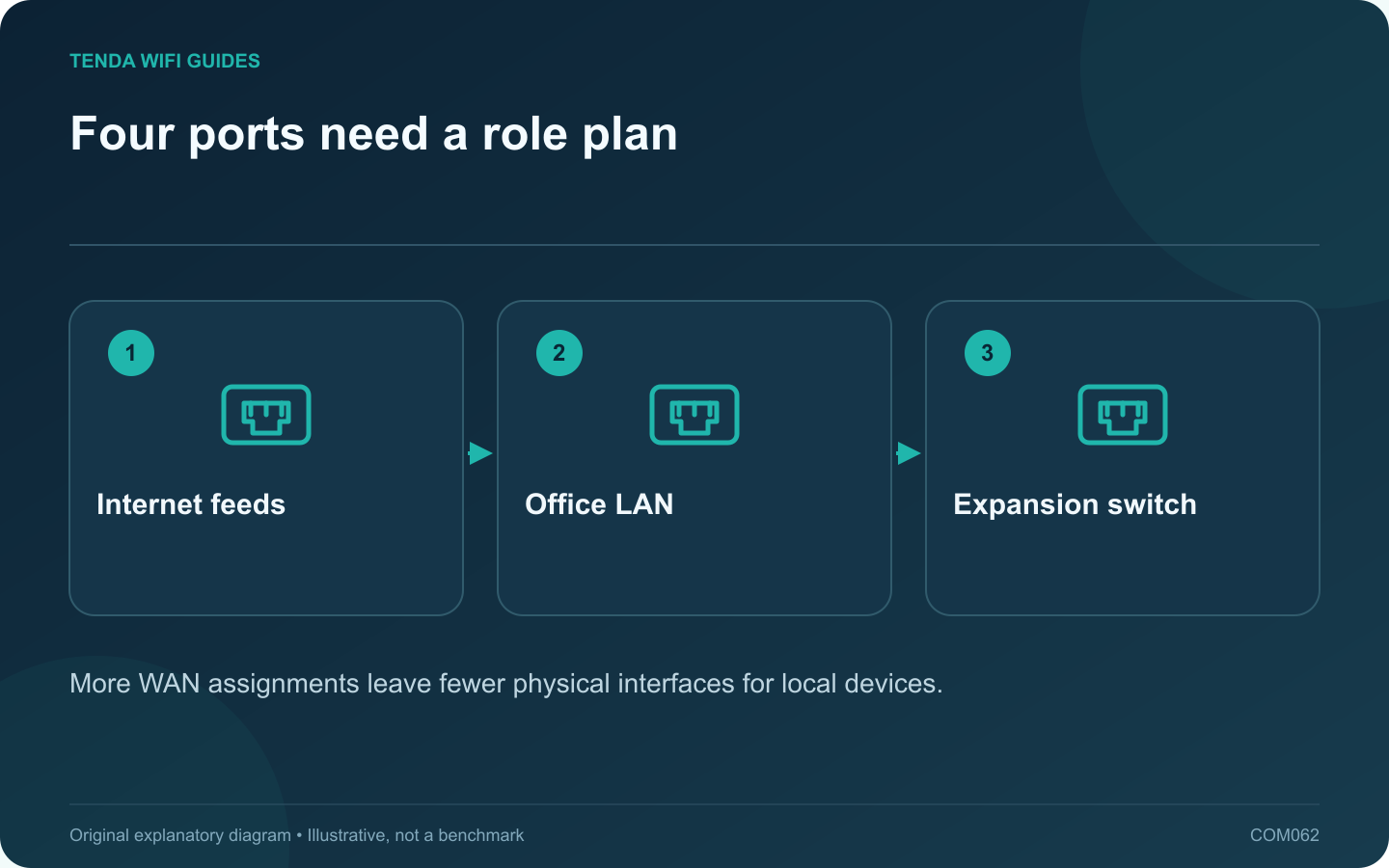
A small office needs a clear connection plan before a multi-WAN-capable router is installed. For W18E v2.0, decide how many internet feeds are actually required and how the remaining local equipment will connect. Flexible port roles do not create additional physical sockets.
Start from the published layout
Tenda lists four gigabit Ethernet interfaces with configurable WAN/LAN arrangements for W18E v2.0. It also lists office-oriented functions such as captive portal and bandwidth controls. Verify the current hardware and documentation before selecting the product for a particular policy requirement.
Count local connections
List the office switch, wireless access points, printer, storage and any directly connected workstation. If a port is reassigned to a second internet feed, remove it from the available LAN count. Include the switch uplink in the plan rather than assuming all labeled switch ports remain free for users.
Separate capacity claims from your workload
A published user-capacity figure does not establish performance for your mix of cloud backups, calls and guest traffic. Write down the simultaneous tasks that matter and test them with representative clients before depending on the installation.
Define the guest policy
- Should visitors reach only the internet?
- Is a portal required, and who maintains it?
- Which office resources must remain private?
- What happens to access when an employee or visitor leaves?
Confirm that the product can enforce the intended policy in the chosen mode. A portal page is not, by itself, proof of separation from office devices.
Document operations
Keep provider details, administrator access and a cable map in a private business record. Test a primary-connection outage only during an agreed maintenance period and confirm recovery of the actual office applications.
Choose the W18E only if its supported functions fit that plan. This guide does not turn the manufacturer’s capacity figures into a guarantee for a particular office or replace a requirements review for a more complex network.
Sources and editorial notes
Sources checked 8 October 2026. Independent guidance and original illustrations; product comparisons use published specifications rather than hands-on benchmarks. Check the exact model, revision and regional documentation before changing settings.