Independent setup & troubleshootingHelping you find your connection.
The guide library

Tenda RX2 Pro address reservations: identify the right device first

Explore the guide library · Tenda configuration

Use the supported reservation feature with a verified client identity, then check the address after reconnection.
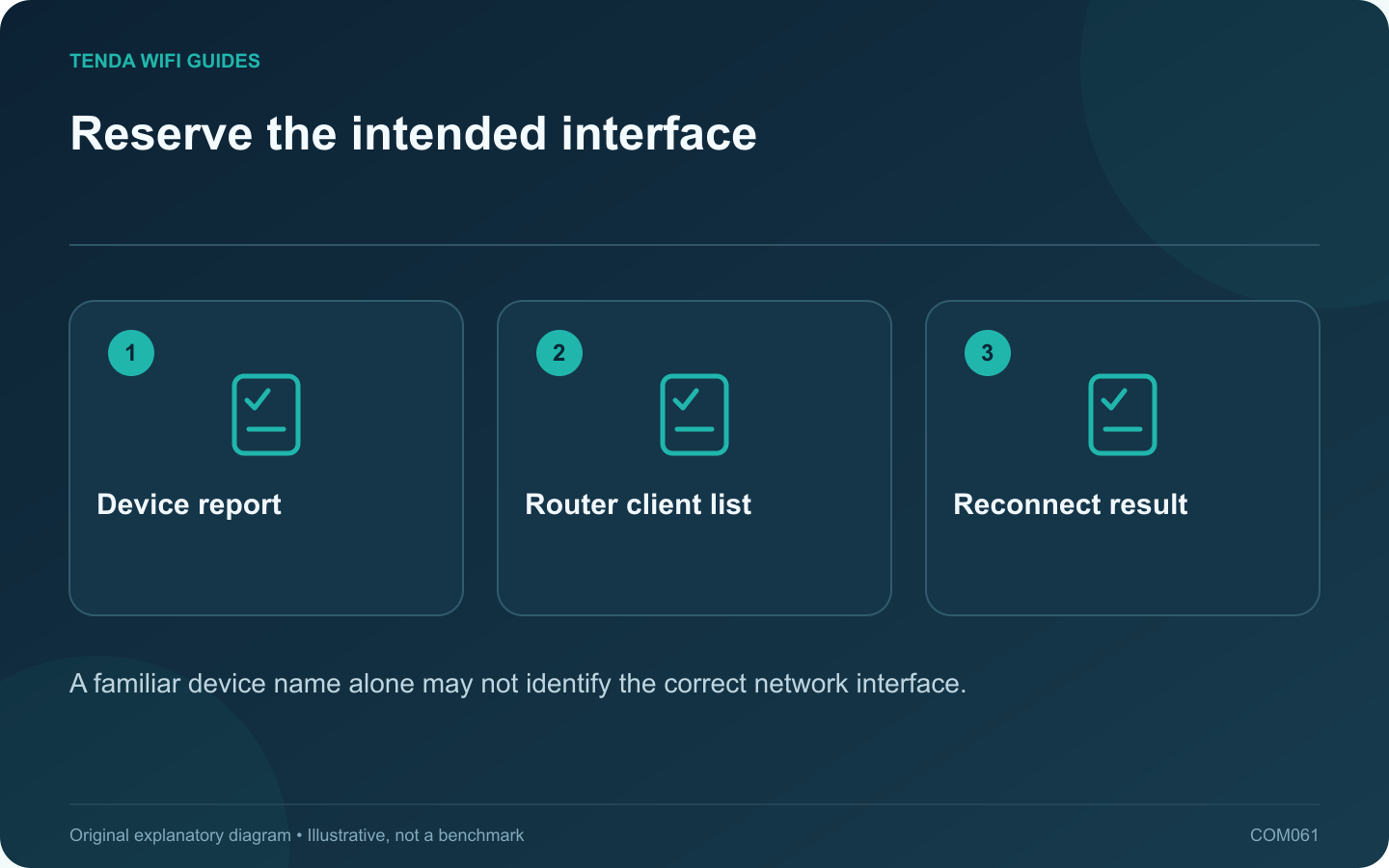
Reserve the intended interface: Device report; Router client list; Reconnect result
A familiar device name alone may not identify the correct network interface.

The useful part of an address reservation is not choosing a memorable number; it is assigning the intended device a predictable address without conflicts. On an RX2 Pro, begin by matching the client to the router’s list accurately.

Confirm the supported feature and mode

Tenda lists DHCP reservation among RX2 Pro’s router functions. Check that your unit is operating in a mode where it supplies DHCP and that the current interface exposes the feature. If another gateway serves addresses, configure the reservation there instead.

Match the interface deliberately

Use the client’s own network information to identify its active address and interface identity. A laptop can have separate Wi-Fi and Ethernet interfaces, while privacy features may affect the identity shown for a wireless connection. Do not select a similarly named entry just because it is first in the list.

Disconnecting and reconnecting your own test device while observing the list can help confirm which entry is relevant, provided you do not disrupt a critical task.

Make the reservation

  1. Record the current address and any existing fixed assignments.
  2. Use the router’s documented reservation control for the verified client.
  3. Choose an address permitted by its address-plan rules.
  4. Save and reconnect the client so it requests its configuration again.
  5. Check the address actually received and test the intended service.

Keep names descriptive

Label the entry by purpose and interface, such as storage Ethernet or office printer Wi-Fi. That makes a later migration easier than a list of unexplained numbers.

If the client identity changes or the device moves to another interface, revisit the reservation. A reservation tied to an unused interface will not necessarily apply to the new connection.

Verify the wider network

Check another ordinary client and any device using a manual address. Keep the final assignment in the private network inventory. The reservation should make maintenance more predictable, not create an undocumented exception that causes a conflict months later.

Sources and editorial notes

Sources checked 8 October 2026. Independent guidance and original illustrations; product comparisons use published specifications rather than hands-on benchmarks. Check the exact model, revision and regional documentation before changing settings.

Related guides

300 FAQs across our guide libraries

Quick answers

100 practical questions from Tenda WiFi Guides.

Browse all 100 FAQs
How do I identify the correct device for an RX2 Pro reservation?

The useful part of an address reservation is not choosing a memorable number; it is assigning the intended device a predictable address without conflicts. On an RX2 Pro, begin by matching the client to the router's list accurately. Tenda lists DHCP reservation among RX2 Pro's router functions. Check that your unit is operating in a mode where it supplies DHCP and that the current interface exposes the feature. If another gateway serves addresses, configure the reservation there instead.

Read the full guide and sources
Which RX2 Pro operating mode should I plan before setup?

Choose the RX2 Pro's operating mode from the role it needs to perform. Is it the household gateway, an Ethernet-connected wireless access point, or a device repeating an existing wireless connection? Starting with that question avoids entering credentials into the wrong setup path. Tenda's RX2 Pro specification lists wireless-router mode, AP mode and universal repeater mode labeled Client+AP. That establishes available categories, but it does not mean every feature behaves identically in each one. Check the current guide for your hardware and firmware before switching.

Read the full guide and sources
How should I allocate the TE6L Pro’s single 2.5G port?

The TE6L Pro's faster Ethernet interface deserves a deliberate assignment. If it is used for the internet feed, it is not also available as a separate faster local socket. Start by drawing the task whose performance you intend to improve. Tenda lists one 2.5 Gbps WAN/LAN interface and three gigabit WAN/LAN interfaces for this model. Verify your exact regional hardware and the supported port-role behavior in its current interface.

Read the full guide and sources
What should I check when assigning WAN ports on a W18E v2.0?

A small office needs a clear connection plan before a multi-WAN-capable router is installed. For W18E v2.0, decide how many internet feeds are actually required and how the remaining local equipment will connect. Flexible port roles do not create additional physical sockets. Tenda lists four gigabit Ethernet interfaces with configurable WAN/LAN arrangements for W18E v2.0. It also lists office-oriented functions such as captive portal and bandwidth controls. Verify the current hardware and documentation before selecting the product for a particular policy requirement.

Read the full guide and sources
Independent. Practical. Clear.

Tenda WiFi Guides is an independent information website. We are not affiliated with or endorsed by Tenda. Product names belong to their respective owners.