Explore the guide library · Router buying guides
Inspect the exact revision, update support and reset state before treating a used router as a bargain.
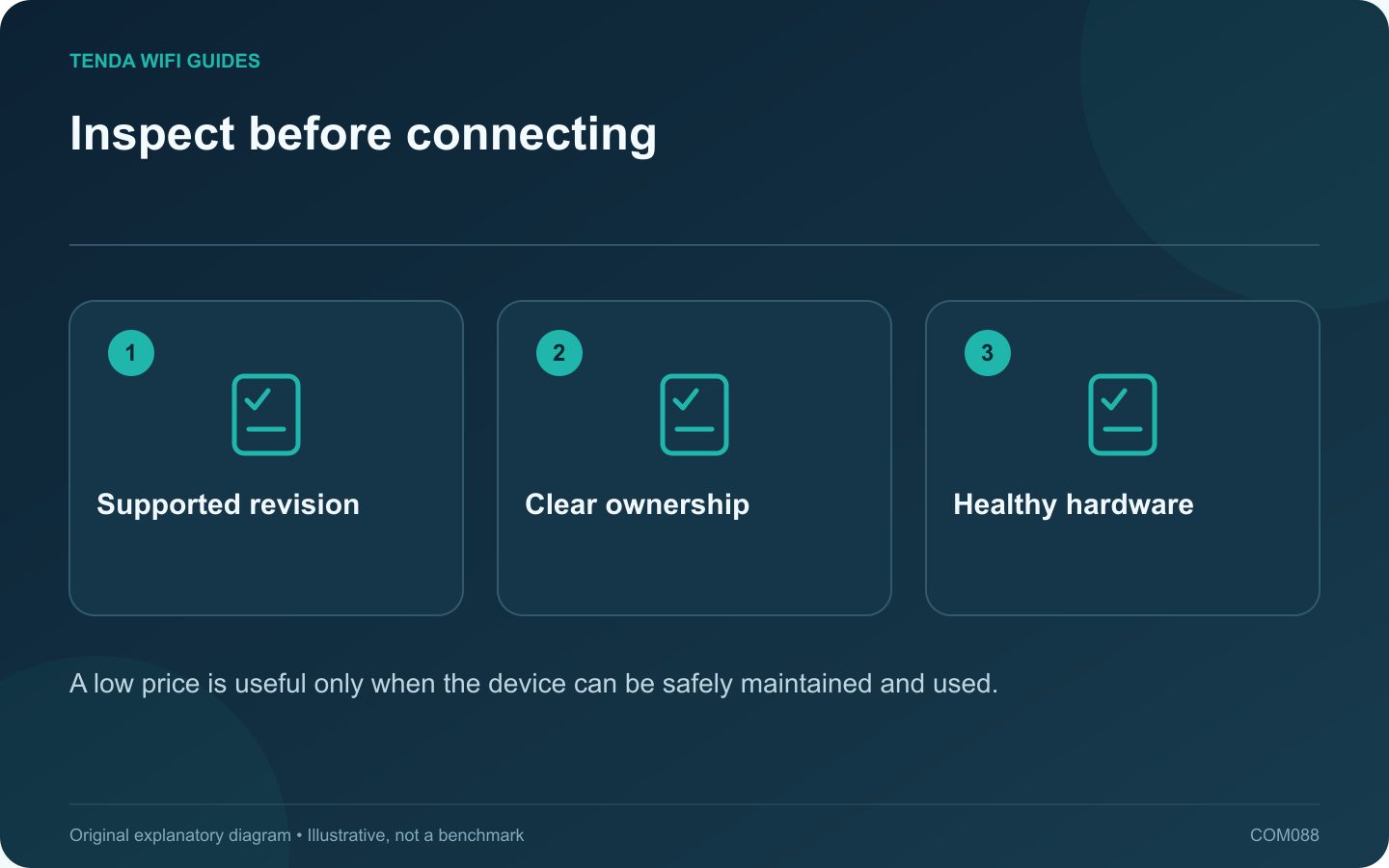
A used router can be economical when its hardware, ownership and support status are clear. Ask for the exact model and revision before agreeing on a price. A familiar product name can cover several different hardware versions with different firmware.
Check support before cosmetics
Look up the manufacturer’s support page and end-of-life information. Tenda’s revision-specific downloads and ASUS’s end-of-life list illustrate why model details matter. A clean case does not establish that security updates remain available.
Confirm the seller can transfer the device
Check whether it belongs to a provider, business or cloud-managed installation. The seller should complete any required account unbinding or ownership transfer through the official process. Do not attempt to bypass a previous owner’s management lock.
Inspect the physical package
- Correct power supply and undamaged connector.
- Intact ports and antennas.
- No visible overheating damage or liquid residue.
- Readable model and revision label.
- Required mounting parts or proprietary cables.
Establish your own configuration
Follow the vendor’s supported reset and setup process, then install the appropriate stable firmware. Do not restore a configuration file supplied by an unknown previous owner. Confirm that you control administrator access and any optional remote-management relationship.
Test during the return period
Check every port you intend to use, both relevant wireless bands and normal operation under a representative workload. Observe whether the device restarts unexpectedly. A brief login-page demonstration does not prove long-term stability.
Compare the complete cost with a supported new alternative, including a replacement adapter or missing accessories. If ownership cannot be cleared, updates are unavailable or the hardware behaves erratically, a low purchase price can become an expensive troubleshooting project. Choose the unit only when its supported capabilities meet a specific requirement.
Sources and editorial notes
Sources checked 8 October 2026. Independent guidance and original illustrations; product comparisons use published specifications rather than hands-on benchmarks. Check the exact model, revision and regional documentation before changing settings.
- ASUS: end-of-life networking products
- Tenda: F6 revision-specific downloads
- GL.iNet: firmware upgrade and preview releases