Explore the guide library · Local network setup
Understand router, client, browser and VPN DNS settings before expecting one router change to control every lookup.
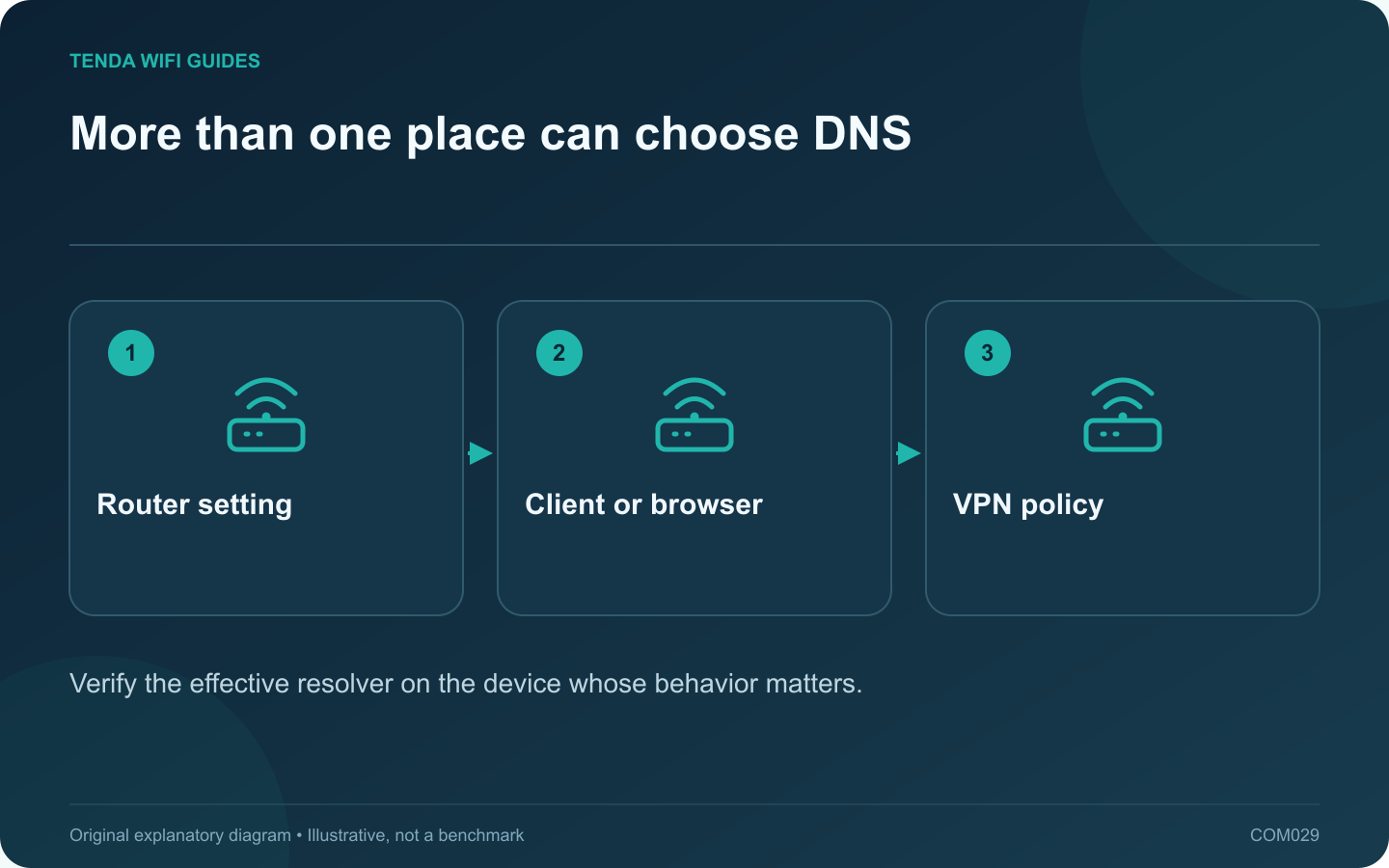
A router DNS change can affect many household clients, but it does not prove that every application will use the chosen resolver. A device, browser or VPN may have its own policy. Define the intended result before changing the router: troubleshooting, filtering, privacy or a provider requirement.
Record the current arrangement
Note the router’s DNS mode, the test client’s network settings and any active VPN or browser secure-DNS configuration. Keep the old values so you can reverse the change. If this is a work-managed device, follow its administrator’s policy rather than overriding it.
GL.iNet’s firmware-specific DNS guide separates automatic, manual and encrypted options, and distinguishes client overrides from the router’s own services. This is a useful reminder to read the guide for the firmware actually installed.
Choose one test client
- Apply the intended router setting using a trusted resolver’s published details.
- Reconnect the test client if its DHCP-provided configuration needs refreshing.
- Check the resolver behavior using that resolver’s documented verification method or an appropriate lookup tool.
- Test an ordinary public site and any local device names you depend on.
- Repeat with the normal VPN or browser configuration restored.
Interpret the result narrowly
If one browser behaves differently from another application, inspect their own DNS policies. If public names work but a local storage name fails, investigate local name handling before declaring the internet broken.
Changing DNS does not increase the radio signal or repair a failed Ethernet cable. A quick page load after a change is not enough to establish a sustained speed improvement.
Retain a workable fallback
Keep a note of how to restore automatic DNS or the previous supported configuration. Document which clients intentionally use a different resolver. That turns a mysterious mixed setup into a maintainable policy.
Make privacy and filtering decisions from the resolver’s current documentation; encrypted transport does not mean that no party processes the lookup.
Sources and editorial notes
Sources checked 8 October 2026. Independent guidance and original illustrations; product comparisons use published specifications rather than hands-on benchmarks. Check the exact model, revision and regional documentation before changing settings.