Explore the guide library · Security and privacy
Use a recognizable, neutral SSID and keep the password separate from the name visitors can see.
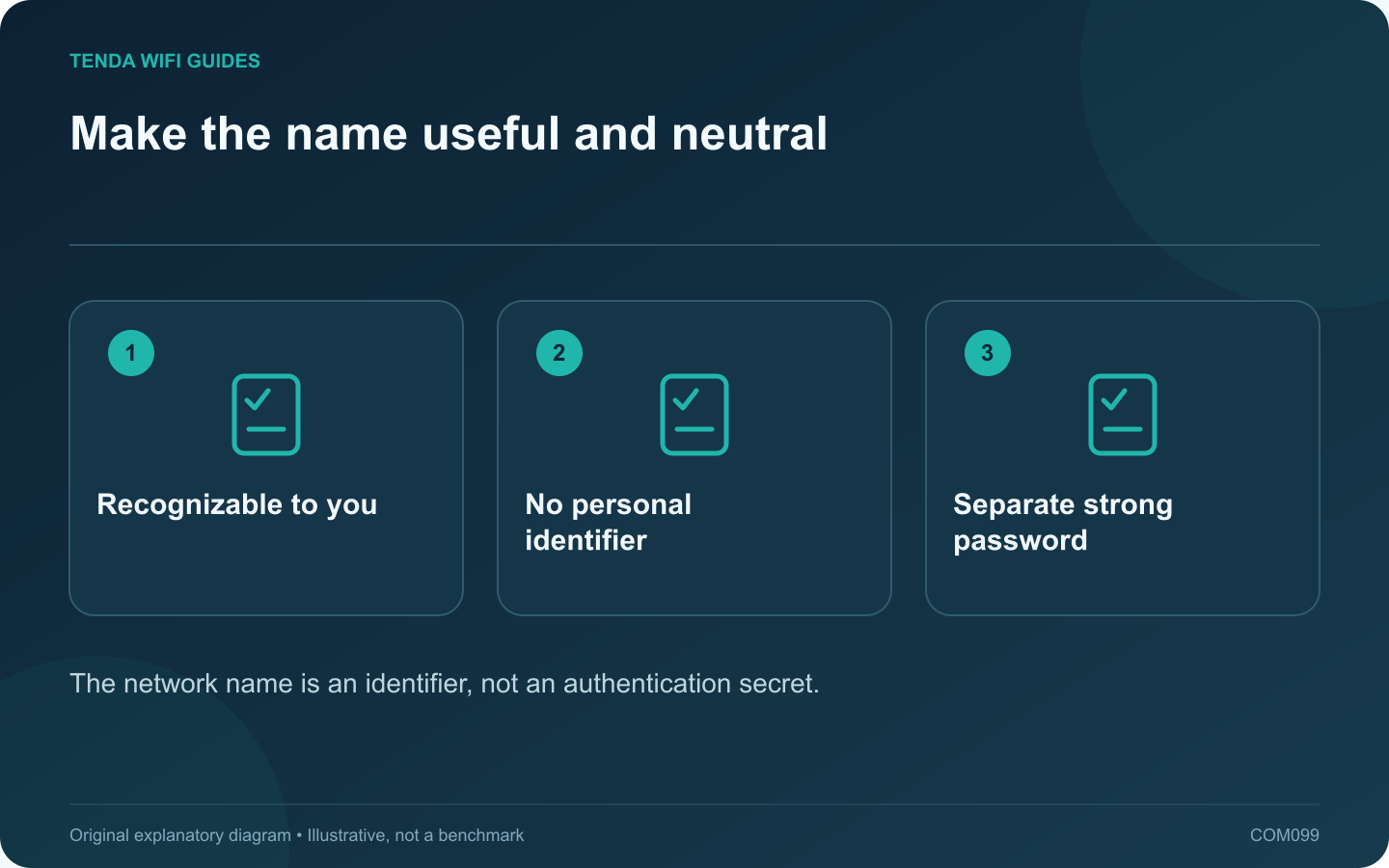
A Wi-Fi network name should help household members select the correct connection without revealing unnecessary personal information. Choose a neutral name that is easy to recognize and type. Do not include a full address, telephone number, personal account identifier or password in the SSID.
Separate identity from authentication
The SSID identifies the network; the security settings and credential control access. Hiding the name is not a substitute for modern wireless protection. Apple recommends a unique network name and supported security settings rather than relying on obscurity.
Keep naming consistent with the design
If the router’s supported band-steering arrangement uses one name, follow that design. If you deliberately use separate networks for a documented purpose, use labels that make the distinction clear without exposing private information.
Prepare for a rename
- List clients that may need to reconnect.
- Record the current name privately for recovery.
- Choose a time when temporary disconnection is acceptable.
- Apply the new name through the supported local interface.
- Reconnect and test one ordinary client before moving through the rest.
Check difficult clients
Some older or embedded devices have limited setup interfaces. Use a simple, supported character set and length if the manufacturer recommends it. Avoid decorative characters that household members cannot easily enter on a television or printer.
Provide guest access deliberately
Give visitors the intended guest-network details rather than assuming a similar-looking name establishes isolation. A guest network still needs an independently verified access policy.
Update any private connection instructions or QR codes you maintain, and keep them out of public screenshots. Confirm that old saved profiles do not cause devices to select an unintended nearby network.
A good name improves usability while disclosing little. It should remain only one small part of a network whose administrator access, updates and wireless security are configured and maintained appropriately.
Sources and editorial notes
Sources checked 8 October 2026. Independent guidance and original illustrations; product comparisons use published specifications rather than hands-on benchmarks. Check the exact model, revision and regional documentation before changing settings.