Explore the guide library · Security and privacy
Understand temporary triggered rules and fixed destination rules before exposing a service through the router.
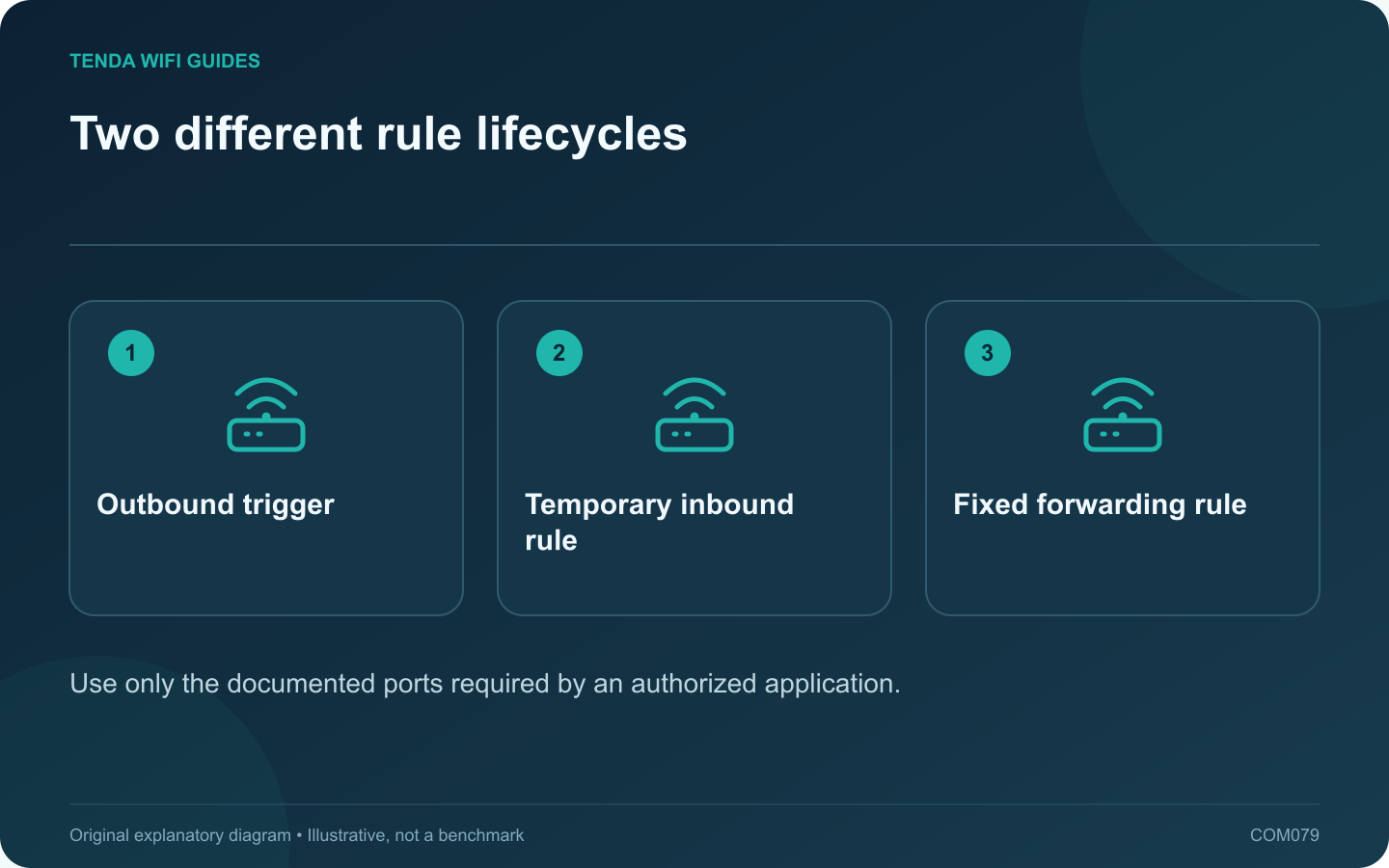
Port triggering and port forwarding solve different inbound-connection requirements. Start with the application’s official networking documentation rather than enabling both. A rule should have a named purpose, a known destination and a reason to remain in place.
Understand the distinction
A conventional forwarding rule maps specified inbound traffic to a chosen local device. Port triggering uses an outbound event to activate associated inbound handling for the initiating client, with behavior and timeouts defined by the router.
TP-Link’s guides describe these features separately. The exact interface, protocol options and limitations depend on the model and firmware.
Choose from the application requirement
A continuously reachable authorized service may need a stable destination and carefully scoped forwarding. An application documented to use a trigger can have a different requirement. Neither method is automatically appropriate merely because a game reports a connectivity warning.
Check prerequisites
- Confirm the correct TCP or UDP requirement.
- Identify the intended client and address.
- Determine whether an upstream gateway or carrier NAT prevents direct inbound access.
- Keep the client’s own firewall and authentication controls enabled.
Test a single rule
Create only the rule justified by the application’s documentation. Test from the appropriate external connection or application workflow. A test from inside the same LAN may depend on loopback behavior and can produce a misleading conclusion.
If several clients need the same inbound service, check the router’s documented limitations before duplicating rules. Conflicting mappings do not become valid because the devices have different names.
Retire unused access
Remove a rule when the application or device no longer needs it, and keep a private record of why active rules exist. Avoid broad port ranges or a DMZ setting as a substitute for understanding the requirement.
The correct configuration is the narrowest supported arrangement that makes the authorized application work and remains understandable during a later security or maintenance review.
Sources and editorial notes
Sources checked 8 October 2026. Independent guidance and original illustrations; product comparisons use published specifications rather than hands-on benchmarks. Check the exact model, revision and regional documentation before changing settings.