Explore the guide library · Local network setup
Count active and occasional clients, check reservations and distinguish a full address pool from a weak Wi-Fi signal.
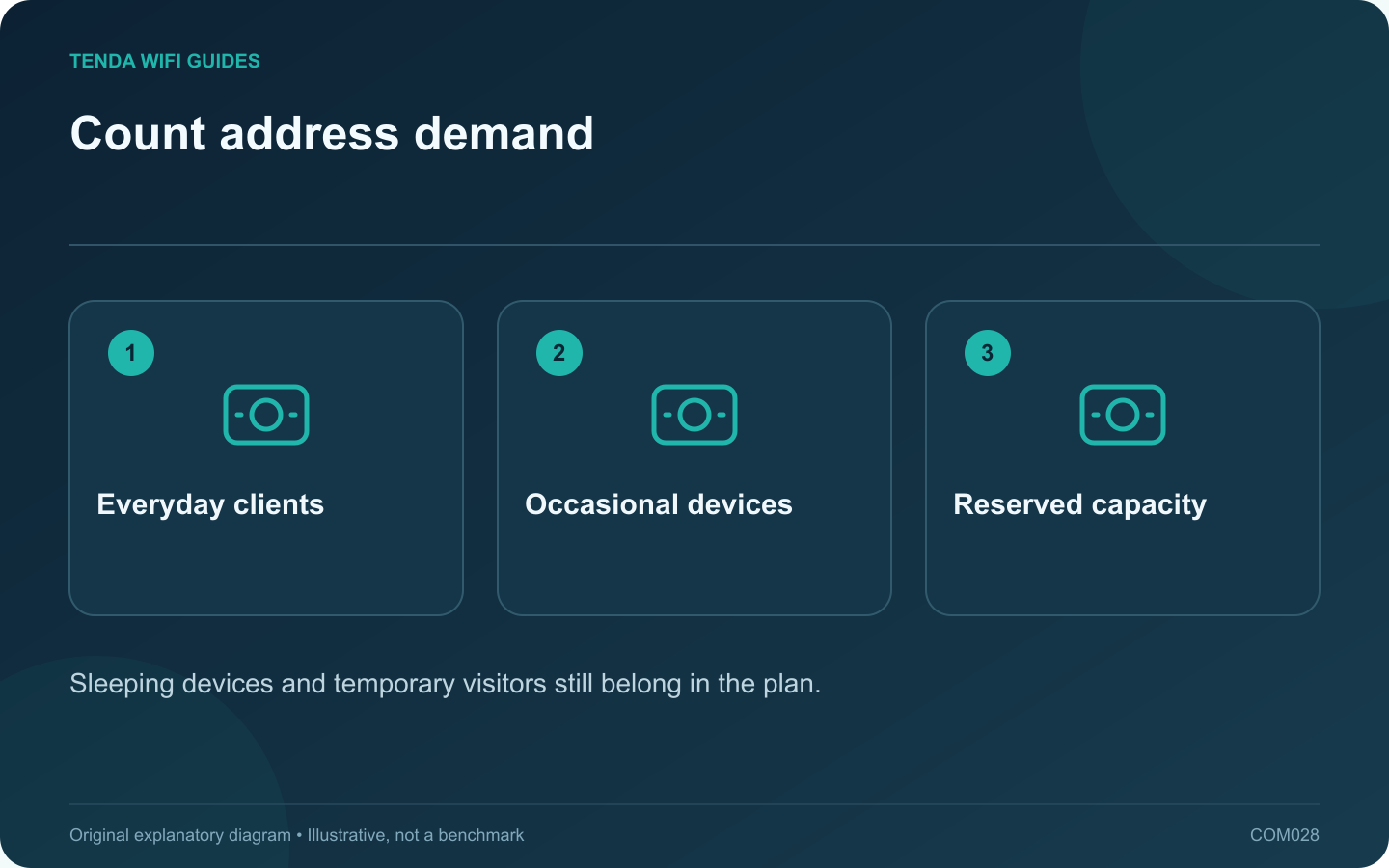
A home network’s DHCP pool needs enough addresses for the clients that may connect, including devices you do not use every day. Count the network interfaces and visitors, not just the number of people in the house. A full pool can prevent a new device from receiving a useful configuration even while existing devices remain online.
Make an inventory from two views
Compare the router’s current client list with a room-by-room list of televisions, speakers, printers, cameras, consoles and computers. Include wired devices. Note occasional equipment such as a work laptop or visiting family phone that may not appear in today’s online list.
GL.iNet separates DHCP configuration and reservations in its LAN controls, and provides a separate DHCP section for its guest network. Check whether your own product also separates those address spaces before adding the counts together.
Inspect the existing pool
- Record the LAN subnet and the DHCP start and end addresses.
- Identify reservations and manually configured devices.
- Compare the available range with your expected simultaneous and recently connected clients.
- Review lease behavior using the exact router documentation.
Do not enlarge a range beyond the subnet or include the router’s own address. If the subnet is unfamiliar, obtain help with that calculation rather than entering a very large end address to make the warning disappear.
Distinguish addressing from radio trouble
If a new device can join Wi-Fi but receives no suitable address, inspect DHCP status. If it cannot detect or authenticate to the network at all, the pool size is not the first issue to investigate. This distinction prevents changing address settings for a signal problem.
Verify the least disruptive change
Save the existing configuration, make the necessary documented adjustment and reconnect one affected device. Confirm that it receives a valid address and can reach the expected gateway. Check a printer or other fixed-address device afterward.
Keep the updated address plan with your network inventory so a later expansion does not silently overlap a manual assignment.
Sources and editorial notes
Sources checked 8 October 2026. Independent guidance and original illustrations; product comparisons use published specifications rather than hands-on benchmarks. Check the exact model, revision and regional documentation before changing settings.