Explore the guide library · Wi-Fi upgrades
Use the condition of your current network and verified shipping products to make a sensible upgrade-timing decision.
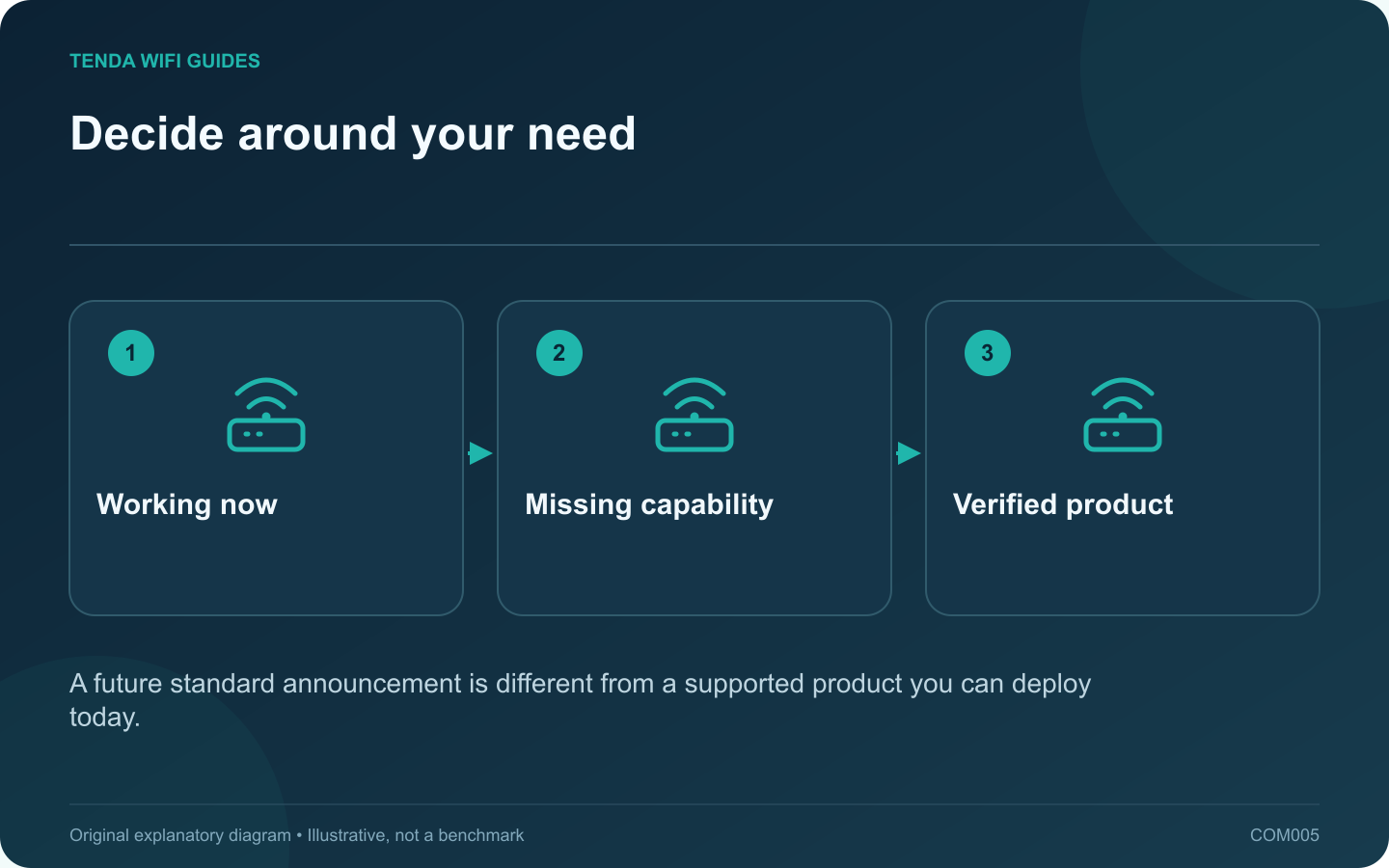
Waiting makes sense when your current network meets your needs and the next purchase is optional. It makes less sense when an unsupported or unreliable router is interrupting work. Decide around the problem you have today, then treat Wi-Fi 8 announcements as context for the next buying cycle.
What the current discussion emphasizes
Qualcomm describes Wi-Fi 8 development around reliability, coordination and mobility as well as performance. Those are useful directions, but a technology overview does not establish the capabilities, availability or update policy of a particular retail router.
Before treating an announcement as a shopping option, look for a real model, a regional product page, supported clients and a published software support path. A chipset announcement alone does not complete that chain.
Use three upgrade triggers
- Security maintenance has ended: replace the unsupported device with equipment you can support now. Do not leave a known maintenance gap open for an uncertain launch date.
- A measurable task is failing: find the limiting segment first. An Ethernet access point or a better router location may solve it without waiting for another generation.
- Everything works acceptably: keep the current equipment, save your requirements and review shipping products when replacement becomes worthwhile.
Avoid buying twice for the same promise
Make a short list of capabilities that you can use immediately: port count, access-point mode, guest isolation, suitable coverage and supported client features. Evaluate a present purchase against those requirements. Do not pay extra solely for a claim that an unannounced future update might satisfy them.
If you choose to wait, set an evidence-based review point: a supported client upgrade, a confirmed regional model or a change in your household’s network use. That is more useful than repeatedly moving the target whenever a newer standard is mentioned.
This guide does not predict a Wi-Fi 8 retail launch or promise compatibility between future and current mesh products. Check the exact products again at purchase time.
Sources and editorial notes
Sources checked 8 October 2026. Independent guidance and original illustrations; product comparisons use published specifications rather than hands-on benchmarks. Check the exact model, revision and regional documentation before changing settings.