Independent setup & troubleshootingHelping you find your connection.
The guide library

Why a router’s DMZ host setting should not be your first gaming fix

Explore the guide library · Security and privacy

Investigate the connection path and application requirements before broadly forwarding inbound traffic to a device.
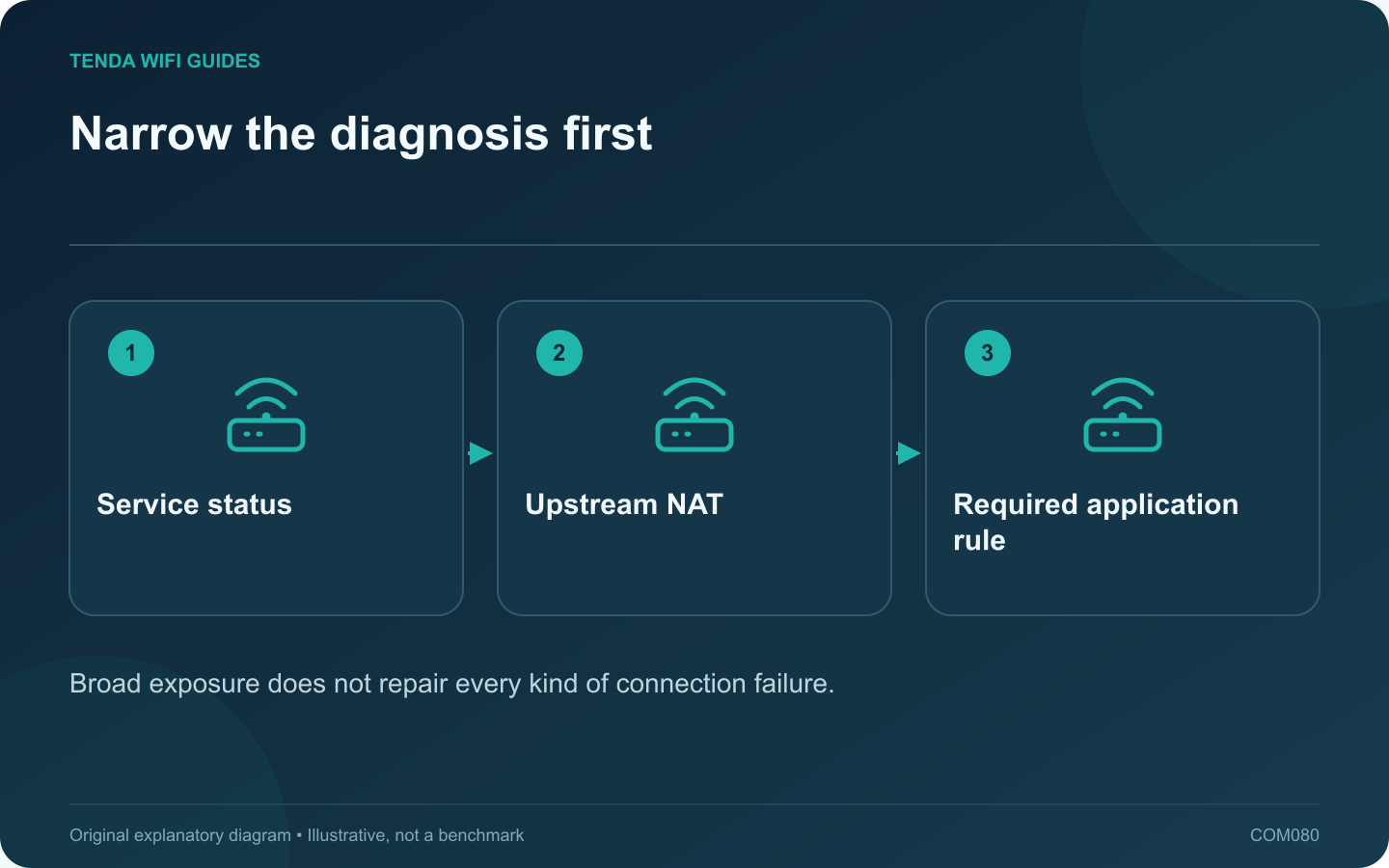
Narrow the diagnosis first: Service status; Upstream NAT; Required application rule
Broad exposure does not repair every kind of connection failure.

A consumer router’s DMZ host setting commonly sends otherwise unmatched inbound traffic to a selected local device. That is a broad change in exposure, not a special low-latency gaming mode. Avoid using it as the first response to a connection warning.

Check what is actually failing

Distinguish login failure, a server outage, voice-chat trouble and a NAT-related matchmaking message. Test basic connectivity and the service’s official status information. A router rule will not repair an unavailable game server or an account problem.

Inspect the upstream path

If your router is behind another gateway or carrier-grade NAT, a local DMZ setting may not make the device reachable from the internet. Compare the router’s WAN arrangement with provider information before changing inbound rules.

Use the application’s documented requirements

  1. Identify the exact platform and service.
  2. Read its official network requirements.
  3. Check whether the router already has a conflicting manual rule.
  4. Apply only a supported, justified configuration.
  5. Retest the specific failed function.

Keep the endpoint’s firewall and security updates in place. Do not disable protection merely to obtain a different label in a connection test.

Understand the term DMZ

A home-router DMZ host option is not necessarily an isolated network segment with business firewall policies. Read the actual vendor description. A familiar security term can describe very different implementations across products.

Review any existing broad rule

If DMZ was enabled during an earlier troubleshooting session, record which device receives it and why. Remove unnecessary exposure through the supported interface after confirming the intended application works without it.

Prefer a clear, limited configuration with a repeatable test result. A change that appears to help once should still be investigated, because an upstream address change or unrelated service recovery can coincide with the router adjustment and create a false explanation.

Sources and editorial notes

Sources checked 8 October 2026. Independent guidance and original illustrations; product comparisons use published specifications rather than hands-on benchmarks. Check the exact model, revision and regional documentation before changing settings.

Related guides

300 FAQs across our guide libraries

Quick answers

100 practical questions from Tenda WiFi Guides.

Browse all 100 FAQs
Should I put a game console in the router’s DMZ?

A consumer router's DMZ host setting commonly sends otherwise unmatched inbound traffic to a selected local device. That is a broad change in exposure, not a special low-latency gaming mode. Avoid using it as the first response to a connection warning. Distinguish login failure, a server outage, voice-chat trouble and a NAT-related matchmaking message. Test basic connectivity and the service's official status information. A router rule will not repair an unavailable game server or an account problem.

Read the full guide and sources
How can I choose a Wi-Fi name without identifying my household?

A Wi-Fi network name should help household members select the correct connection without revealing unnecessary personal information. Choose a neutral name that is easy to recognize and type. Do not include a full address, telephone number, personal account identifier or password in the SSID. The SSID identifies the network; the security settings and credential control access. Hiding the name is not a substitute for modern wireless protection. Apple recommends a unique network name and supported security settings rather than relying on obscurity.

Read the full guide and sources
What should I recheck after enabling IPv6 on a new router?

A router replacement can change which internet protocols your clients use. If IPv6 becomes available, verify the access policy on that path as well as IPv4. Do not assume an old forwarding or filtering rule automatically describes every new connection. Examples include visitors being unable to reach private storage, router administration being available only to authorized local devices, or a particular application requiring an approved tunnel. State the desired behavior before looking for a matching menu.

Read the full guide and sources
How does port triggering differ from port forwarding?

Port triggering and port forwarding solve different inbound-connection requirements. Start with the application's official networking documentation rather than enabling both. A rule should have a named purpose, a known destination and a reason to remain in place. A conventional forwarding rule maps specified inbound traffic to a chosen local device. Port triggering uses an outbound event to activate associated inbound handling for the initiating client, with behavior and timeouts defined by the router.

Read the full guide and sources
Independent. Practical. Clear.

Tenda WiFi Guides is an independent information website. We are not affiliated with or endorsed by Tenda. Product names belong to their respective owners.