Independent setup & troubleshootingHelping you find your connection.
The guide library

When should you change a router’s MTU?

Explore the guide library · Internet connection setup

Investigate a repeatable packet-size problem before replacing the router’s documented default with an internet tip.
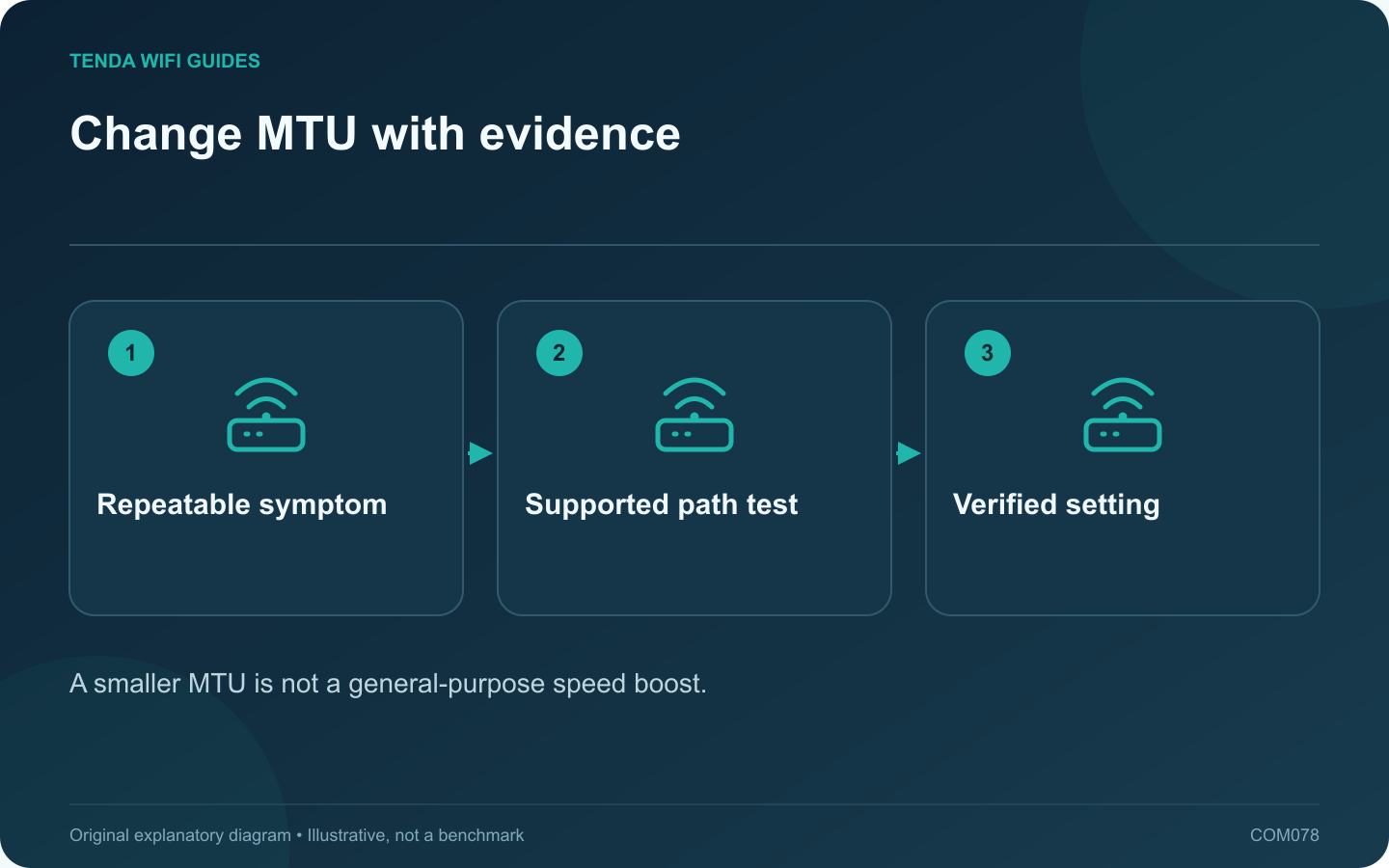
Change MTU with evidence: Repeatable symptom; Supported path test; Verified setting
A smaller MTU is not a general-purpose speed boost.

Leave the router’s documented MTU setting alone unless the provider or a specific diagnosis gives you a reason to change it. MTU describes a packet-size limit on an interface. An arbitrary smaller number is not a general cure for weak Wi-Fi, slow DNS or a busy broadband connection.

Record a repeatable symptom

Identify the application and operation that fails, whether it happens on a wired client, and whether a VPN is involved. Preserve the working default. A page that loads slowly once is insufficient evidence for changing a gateway-wide setting.

Follow the right test for the path

TP-Link documents an IPv4 ping-based method for investigating packet size and notes PPPoE considerations. Interpret the result carefully: ping payload size is not the entire IP packet, and a destination may block or deprioritize diagnostic traffic.

A failed ping alone does not prove the packet was too large. Use a responsive destination and the vendor’s exact supported procedure. VPN overhead and provider-specific arrangements can affect the relevant path.

Make one controlled adjustment

  1. Record the original value and connection type.
  2. Confirm the provider’s supported configuration.
  3. Apply the justified value within the router’s allowed range.
  4. Repeat the failing operation on the same device.
  5. Test other important services before retaining the change.

Avoid universal numbers

Different connection types and encapsulations have different requirements. Even familiar PPPoE guidance should be checked against the provider and hardware rather than treated as permission to override a working configuration.

Keep or restore based on results

If the adjustment does not solve the observed problem, restore the documented setting and continue diagnosis elsewhere. Record any confirmed result with the date, firmware and provider connection type.

The useful outcome is a supported value backed by a repeatable improvement. Repeatedly shrinking MTU until a speed-test number changes can conceal the real issue and make future troubleshooting harder.

Sources and editorial notes

Sources checked 8 October 2026. Independent guidance and original illustrations; product comparisons use published specifications rather than hands-on benchmarks. Check the exact model, revision and regional documentation before changing settings.

Related guides

300 FAQs across our guide libraries

Quick answers

100 practical questions from Tenda WiFi Guides.

Browse all 100 FAQs
When should I consider changing router MTU?

Leave the router's documented MTU setting alone unless the provider or a specific diagnosis gives you a reason to change it. MTU describes a packet-size limit on an interface. An arbitrary smaller number is not a general cure for weak Wi-Fi, slow DNS or a busy broadband connection. Identify the application and operation that fails, whether it happens on a wired client, and whether a VPN is involved. Preserve the working default. A page that loads slowly once is insufficient evidence for changing a gateway-wide setting.

Read the full guide and sources
Why can a home service work remotely but fail on home Wi-Fi?

If an authorized home service works from another connection but fails through its public name on home Wi-Fi, investigate the local path before changing forwarding rules. NAT loopback, sometimes called hairpin NAT, is one possible difference between the two tests. Test the service through its supported local address while at home. Then test its public name from home. Finally, test the same public name from a separate connection using your own authorized device. Record the exact error and whether the application uses the same protocol and port.

Read the full guide and sources
Could an ISP’s WAN MAC registration stop a new router connecting?

Some provider arrangements associate service with a particular device identity. If a replacement router cannot obtain the expected connection while the old one still works, ask whether WAN MAC registration is involved. Do not assume cloning is required for every service. Check the WAN cable, connection type and provider authentication requirements. Record the new router's status message and whether it receives an address. A PPPoE credential error, disconnected cable and registered-device restriction are different problems.

Read the full guide and sources
What should I test before separating Wi-Fi band names?

A combined wireless name can let compatible devices use the router's supported band-selection behavior. Splitting the names gives you a more explicit connection choice, but it also changes how devices reconnect and move around the home. Diagnose the task before making that change for everyone. Confirm which bands the device supports and which band it currently uses. Record its location and the failing task. A low-bandwidth smart device connected on 2.4 GHz may be working exactly as designed, while a nearby laptop with a demanding transfer presents a different question.

Read the full guide and sources
Independent. Practical. Clear.

Tenda WiFi Guides is an independent information website. We are not affiliated with or endorsed by Tenda. Product names belong to their respective owners.