Explore the guide library · Router buying guides
Inventory compatibility and onboarding requirements so a router upgrade does not strand existing sensors, plugs or printers.
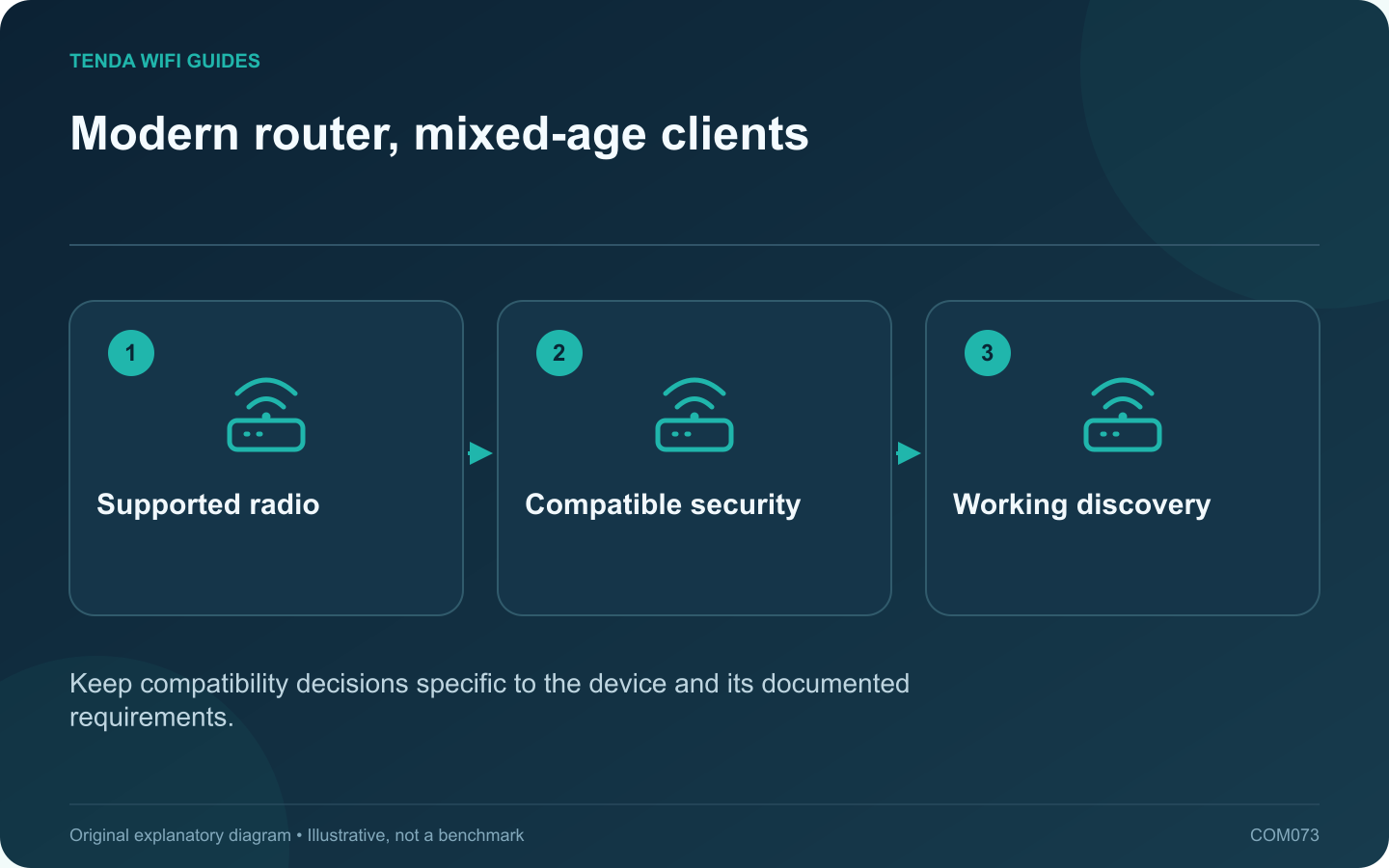
A household can contain a new laptop and a much older plug, printer or camera at the same time. Before replacing the router, identify the older devices whose connection is essential. The newest Wi-Fi generation does not automatically solve their onboarding or security compatibility.
Build a small compatibility list
Record each device’s exact model, supported band, current firmware and setup method. Note whether its companion application needs the phone on a particular network during pairing. Use the manufacturer’s documentation rather than assuming every smart-home product uses the same process.
Review security support
Some older clients do not support WPA3-only operation. TP-Link documents compatibility issues involving older IoT devices and mixed security modes. Apple recommends modern secure settings and avoiding obsolete protection choices.
Look for a supported arrangement that keeps the main network appropriately protected while accommodating essential clients. Do not choose an open network, WEP or another obsolete option merely to retain an unsupported device. Replacement may be the better long-term decision.
Check local communication needs
A guest or isolated network can prevent an application from finding a device. Determine whether the product needs local discovery, cloud access or both. Matter also introduces controller and transport roles that should not be reduced to a simple Wi-Fi password question.
Use one device as the trial
- Update the client through its supported method.
- Configure the new router’s documented compatible settings.
- Pair or reconnect one noncritical device.
- Test control from the intended phone and automation system.
- Confirm behavior after a normal restart.
Choose by the complete migration
Keep the previous network configuration available until the important household functions pass. Prefer a router whose supported controls you can understand and maintain. An upgrade succeeds when the necessary devices work securely in the planned topology, not simply when the newest laptop reports a newer wireless standard.
Sources and editorial notes
Sources checked 8 October 2026. Independent guidance and original illustrations; product comparisons use published specifications rather than hands-on benchmarks. Check the exact model, revision and regional documentation before changing settings.
- TP-Link: WPA2/WPA3 compatibility with older IoT clients
- Apple: recommended Wi-Fi router settings
- Connectivity Standards Alliance: Matter network roles