Independent setup & troubleshootingHelping you find your connection.
The guide library

Router VPN vs device VPN: decide which traffic needs the tunnel

Explore the guide library · Security and privacy

Map devices, local services and work restrictions before moving a VPN connection onto the router.
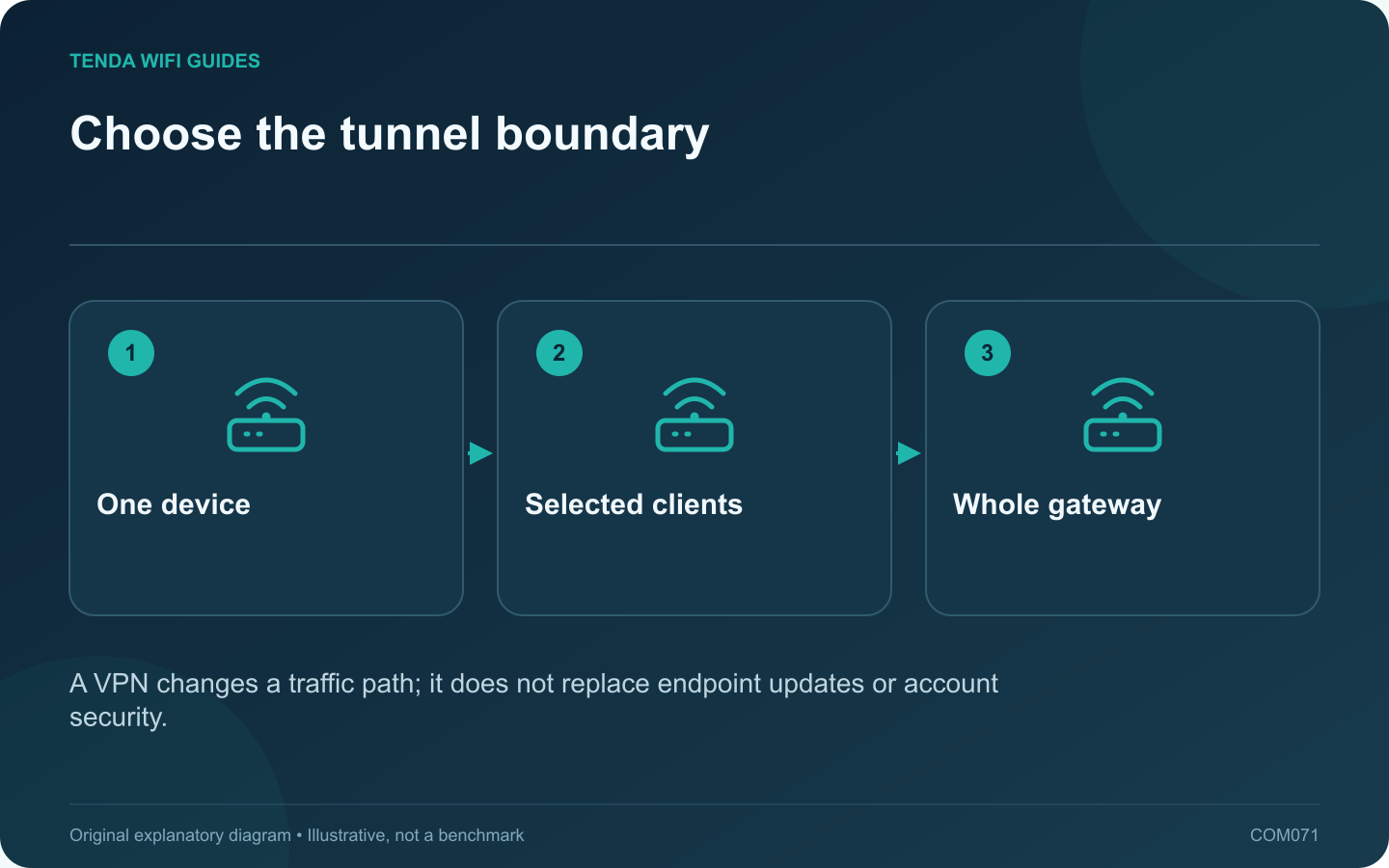
Choose the tunnel boundary: One device; Selected clients; Whole gateway
A VPN changes a traffic path; it does not replace endpoint updates or account security.

A device VPN and a router VPN put the tunnel boundary in different places. Choose by the traffic that needs protection or a particular route, the devices you can configure and the policies governing them. Do not move an employer-managed connection onto home equipment without authorization.

Start with a traffic map

List the clients that should use the tunnel and those that should remain on the normal connection. Include local printers, storage, streaming equipment and smart-home controllers. Write down whether any service must keep working if the VPN provider becomes unavailable.

Compare management responsibilities

A device client can offer controls and authentication features specific to that operating system. A router client can cover selected supported devices without installing an application on each one, but the router must support the protocol and routing policy you require.

GL.iNet’s router guides describe VPN functions for particular firmware families. Verify the exact model, current software and provider configuration instead of assuming every advertised VPN feature includes the same policy controls.

Test failure behavior

  1. Connect one noncritical test client.
  2. Check whether its public connection follows the intended route.
  3. Verify DNS behavior and access to required local resources.
  4. Interrupt the VPN through its supported control.
  5. Observe whether traffic stops or returns to the ordinary route as intended.

Account for performance

Encryption and other gateway features use processing resources. Test the normal workload with the chosen protocol and settings. A manufacturer’s best-case VPN figure is not a promise for your provider, distance or enabled features.

Keep the security model realistic

A VPN shifts trust and routing; it does not make unsafe downloads safe or remove the need for HTTPS, strong accounts and updates. Keep configuration files and keys private. Record a recovery procedure that allows the household administrator to restore service without guessing which clients were supposed to use the tunnel.

Sources and editorial notes

Sources checked 8 October 2026. Independent guidance and original illustrations; product comparisons use published specifications rather than hands-on benchmarks. Check the exact model, revision and regional documentation before changing settings.

Related guides

300 FAQs across our guide libraries

Quick answers

100 practical questions from Tenda WiFi Guides.

Browse all 100 FAQs
Should a VPN run on the router or on individual devices?

A device VPN and a router VPN put the tunnel boundary in different places. Choose by the traffic that needs protection or a particular route, the devices you can configure and the policies governing them. Do not move an employer-managed connection onto home equipment without authorization. List the clients that should use the tunnel and those that should remain on the normal connection. Include local printers, storage, streaming equipment and smart-home controllers. Write down whether any service must keep working if the VPN provider becomes unavailable.

Read the full guide and sources
How does port triggering differ from port forwarding?

Port triggering and port forwarding solve different inbound-connection requirements. Start with the application's official networking documentation rather than enabling both. A rule should have a named purpose, a known destination and a reason to remain in place. A conventional forwarding rule maps specified inbound traffic to a chosen local device. Port triggering uses an outbound event to activate associated inbound handling for the initiating client, with behavior and timeouts defined by the router.

Read the full guide and sources
Should I put a game console in the router’s DMZ?

A consumer router's DMZ host setting commonly sends otherwise unmatched inbound traffic to a selected local device. That is a broad change in exposure, not a special low-latency gaming mode. Avoid using it as the first response to a connection warning. Distinguish login failure, a server outage, voice-chat trouble and a NAT-related matchmaking message. Test basic connectivity and the service's official status information. A router rule will not repair an unavailable game server or an account problem.

Read the full guide and sources
What should I recheck after enabling IPv6 on a new router?

A router replacement can change which internet protocols your clients use. If IPv6 becomes available, verify the access policy on that path as well as IPv4. Do not assume an old forwarding or filtering rule automatically describes every new connection. Examples include visitors being unable to reach private storage, router administration being available only to authorized local devices, or a particular application requiring an approved tunnel. State the desired behavior before looking for a matching menu.

Read the full guide and sources
Independent. Practical. Clear.

Tenda WiFi Guides is an independent information website. We are not affiliated with or endorsed by Tenda. Product names belong to their respective owners.