Explore the guide library · Tenda configuration
Use the model’s supported modes to decide who supplies internet routing and whether the upstream connection is wired or wireless.
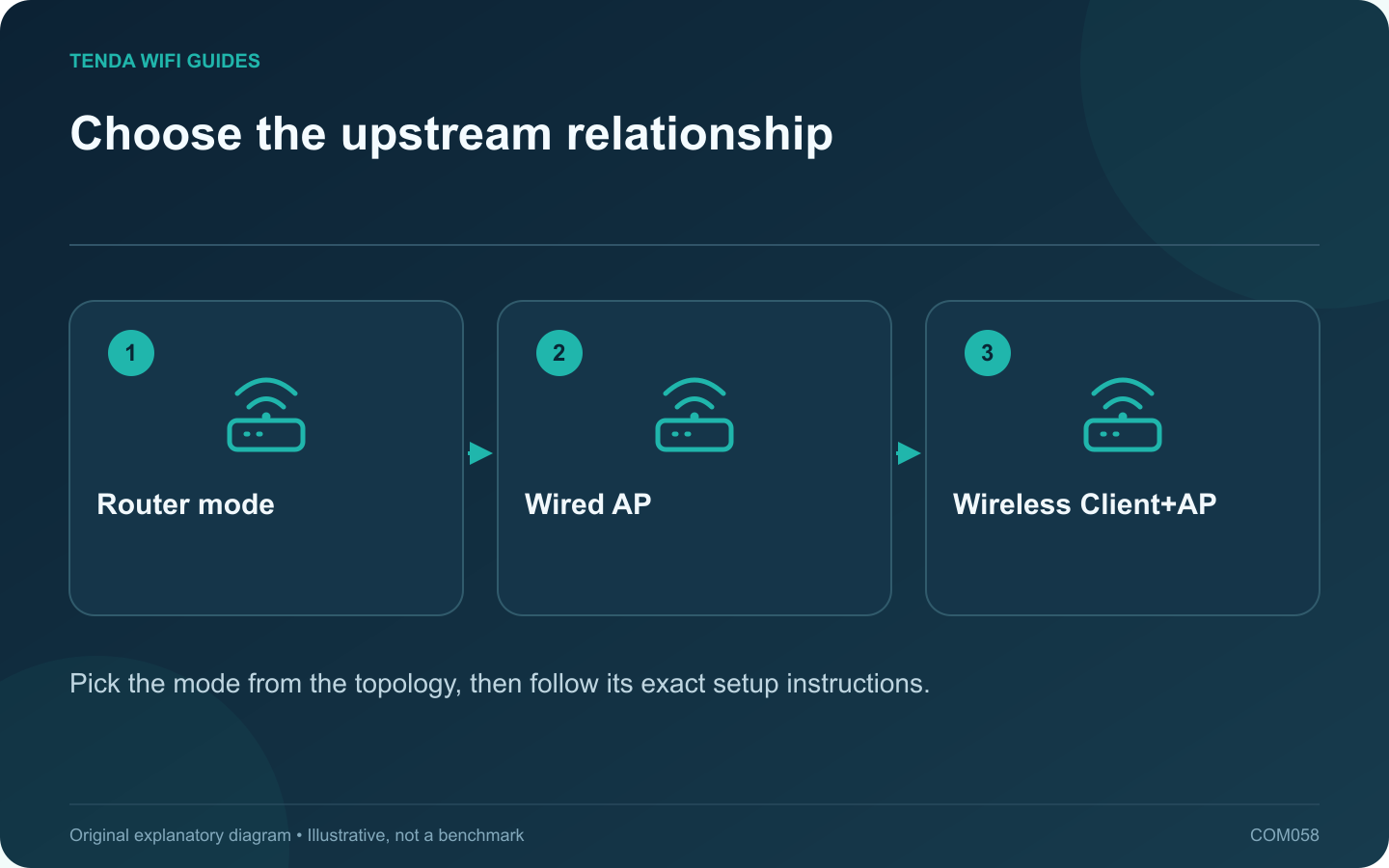
Choose the RX2 Pro’s operating mode from the role it needs to perform. Is it the household gateway, an Ethernet-connected wireless access point, or a device repeating an existing wireless connection? Starting with that question avoids entering credentials into the wrong setup path.
What the product lists
Tenda’s RX2 Pro specification lists wireless-router mode, AP mode and universal repeater mode labeled Client+AP. That establishes available categories, but it does not mean every feature behaves identically in each one. Check the current guide for your hardware and firmware before switching.
Draw the upstream connection
- Main gateway: identify the provider handoff and the internet configuration the RX2 Pro must use.
- Wired access point: identify the existing router that will keep supplying the network’s gateway functions.
- Client+AP: identify the upstream wireless network and a placement where that connection is usable.
Write down where a printer or storage device sits. You need to know whether the planned topology lets the important clients reach that resource.
Prepare for a management-address change
Save the current configuration and note how the chosen mode obtains or uses its management address. Do not assume the old address remains valid after switching. Keep the manufacturer’s recovery instructions accessible from another connection.
Validate one client before moving everything
- Apply the supported mode-specific setup and wiring.
- Check the RX2 Pro’s connection status.
- Connect one test client and inspect its address and gateway.
- Test internet access and the required local resource.
- Confirm any guest or management feature you intend to retain.
If the result differs from the topology you planned, stop and inspect the mode and upstream role before changing DNS or resetting both routers.
The correct mode is a network-design choice. Select it because it produces the intended connection and policy behavior, not because it is the first option offered by a setup wizard.
Sources and editorial notes
Sources checked 8 October 2026. Independent guidance and original illustrations; product comparisons use published specifications rather than hands-on benchmarks. Check the exact model, revision and regional documentation before changing settings.