Explore the guide library · Wireless settings
Keep automatic selection as a baseline and use manual channels only when a controlled comparison shows a practical benefit.
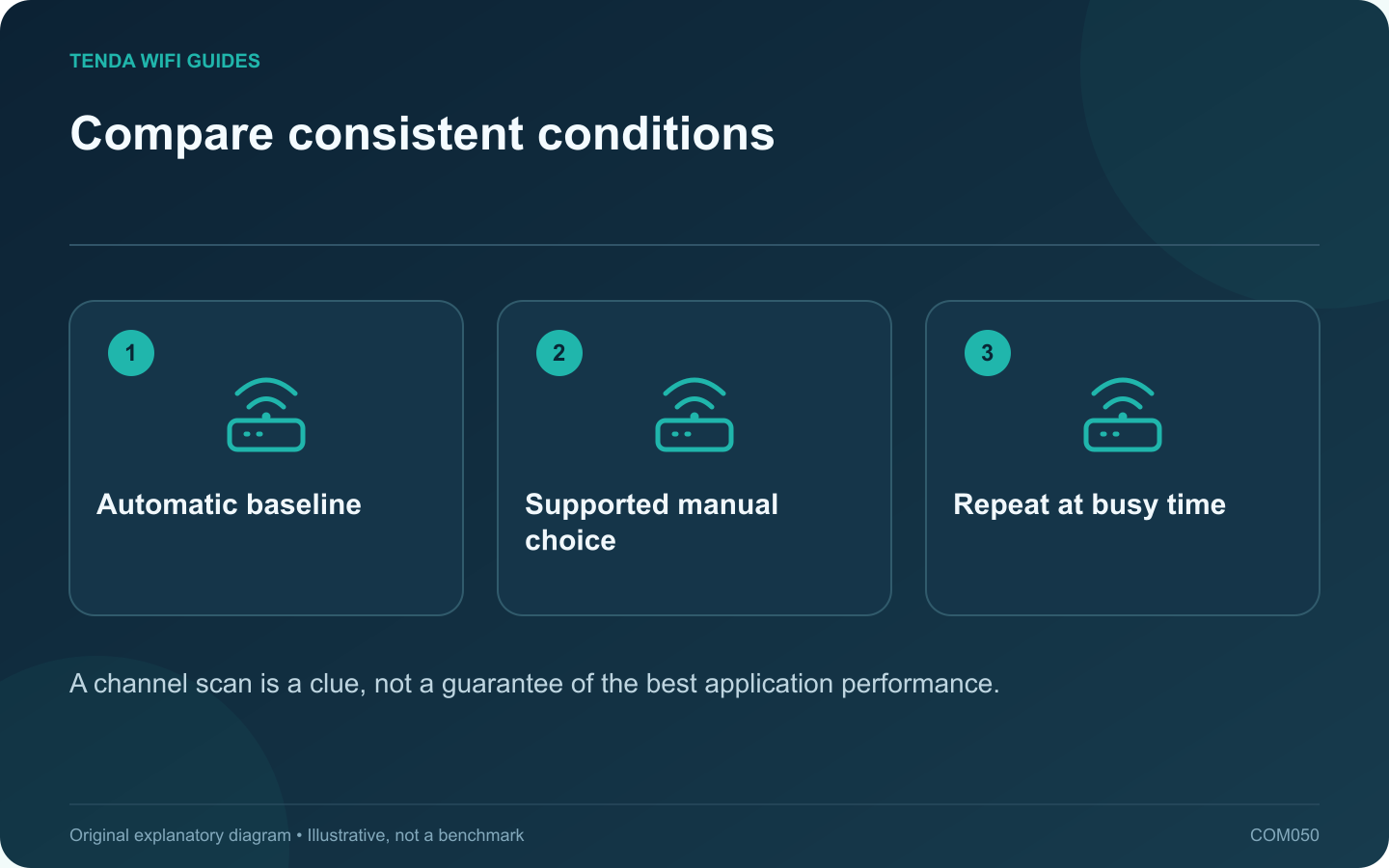
Automatic channel selection is a sensible baseline for many home routers. A manual channel can help investigate a repeatable problem, but choosing one from a screenshot of nearby network names is not enough to establish a better configuration.
Record the baseline
Write down the band, channel width, client location and normal task result. Include the time of day because neighboring traffic changes. Apple recommends automatic channel selection for supported home setups; begin there unless the router or your installation has a documented reason to differ.
Keep the client and task fixed. A speed test from a different room cannot tell you whether the channel change helped.
Choose only a supported alternative
Use channels available in the router’s correct regional configuration. On 5 GHz, account for DFS behavior; TP-Link documents radar-related checks and channel changes. Do not interpret every automatic change as a router defect.
Run a fair comparison
- Save the current settings.
- Change the channel while keeping the width and other radio options stable.
- Reconnect the test client if required.
- Repeat the everyday task, noting stalls and loss of connectivity.
- Repeat during the usual busy period and compare with the baseline.
Check the other devices
An improvement for a modern laptop can coincide with a compatibility problem on an older device. Test the important printer, smart appliance and distant room before keeping a household-wide channel change.
For multiple access points, consider the whole deployment. Individually forcing every access point onto the same apparent “best” channel can create a different problem. Use the system’s supported planning or optimization tools.
Keep a reason to retain the setting
If the practical result is unchanged or less reliable, restore the previous automatic configuration. Record a manual choice only when you can explain the benefit and reproduce it. Revisit it when the access-point layout or neighborhood conditions change.
Sources and editorial notes
Sources checked 8 October 2026. Independent guidance and original illustrations; product comparisons use published specifications rather than hands-on benchmarks. Check the exact model, revision and regional documentation before changing settings.