Explore the guide library · Smart-home networking
Map which devices need local discovery, controllers or cloud access before separating them from phones and computers.
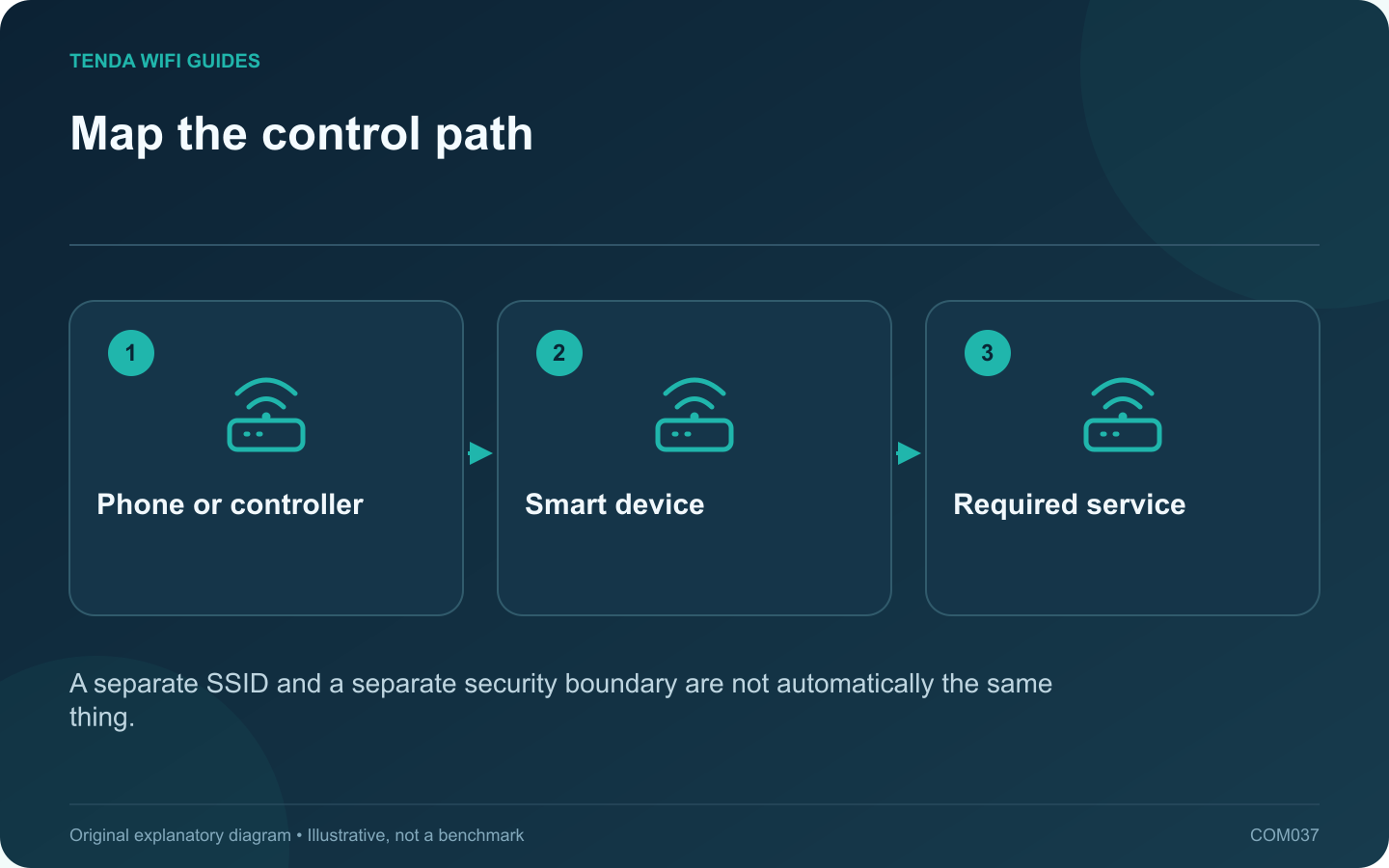
An IoT network can make a smart-home installation easier to organize, but separation must preserve the communication the devices need. Start with a list of control paths. A device that only contacts a cloud service has different requirements from one discovered directly by a phone on the local network.
Record how each device is controlled
For every plug, speaker or sensor, note the app or controller, the transport and the features you use. Include local discovery, scheduled actions and access away from home. Do not assume that a working cloud app proves local automations also work.
The Connectivity Standards Alliance describes distinct controller and network roles in Matter. That is a useful reminder that the home Wi-Fi router may be only one component of the smart-home system.
Understand the router’s IoT feature
Read whether the product creates only another network name or enforces a separate network policy. If it uses guest-network controls, inspect isolation options and operating-mode limitations. GL.iNet’s guest documentation illustrates that client isolation is an explicit setting rather than an implication of the label.
Migrate one noncritical device
- Choose a device whose temporary disconnection will not affect an essential household function.
- Move it using its manufacturer’s supported network-change procedure.
- Test control from the usual phone, then test its normal schedule or automation.
- Check remote control separately if you use it.
- Confirm the device cannot access a private resource that your policy intends to block.
Resolve dependencies before expanding
If discovery fails, identify the documented local communication requirement. Do not immediately collapse every network boundary. A supported controller arrangement or carefully designed policy may be required; some consumer routers cannot express the necessary exception.
Keep the original network details and recovery instructions available during migration. Expand the IoT network only after the first representative device passes its actual tasks. The goal is a maintainable security boundary with working controls, not simply moving icons into a new app category.
Sources and editorial notes
Sources checked 8 October 2026. Independent guidance and original illustrations; product comparisons use published specifications rather than hands-on benchmarks. Check the exact model, revision and regional documentation before changing settings.