Independent setup & troubleshootingHelping you find your connection.
The guide library

Back up a Tenda RX27 Pro configuration before a major change

Explore the guide library · Tenda maintenance

Create a clearly labeled private backup and a recovery note before changing the router’s operating configuration.
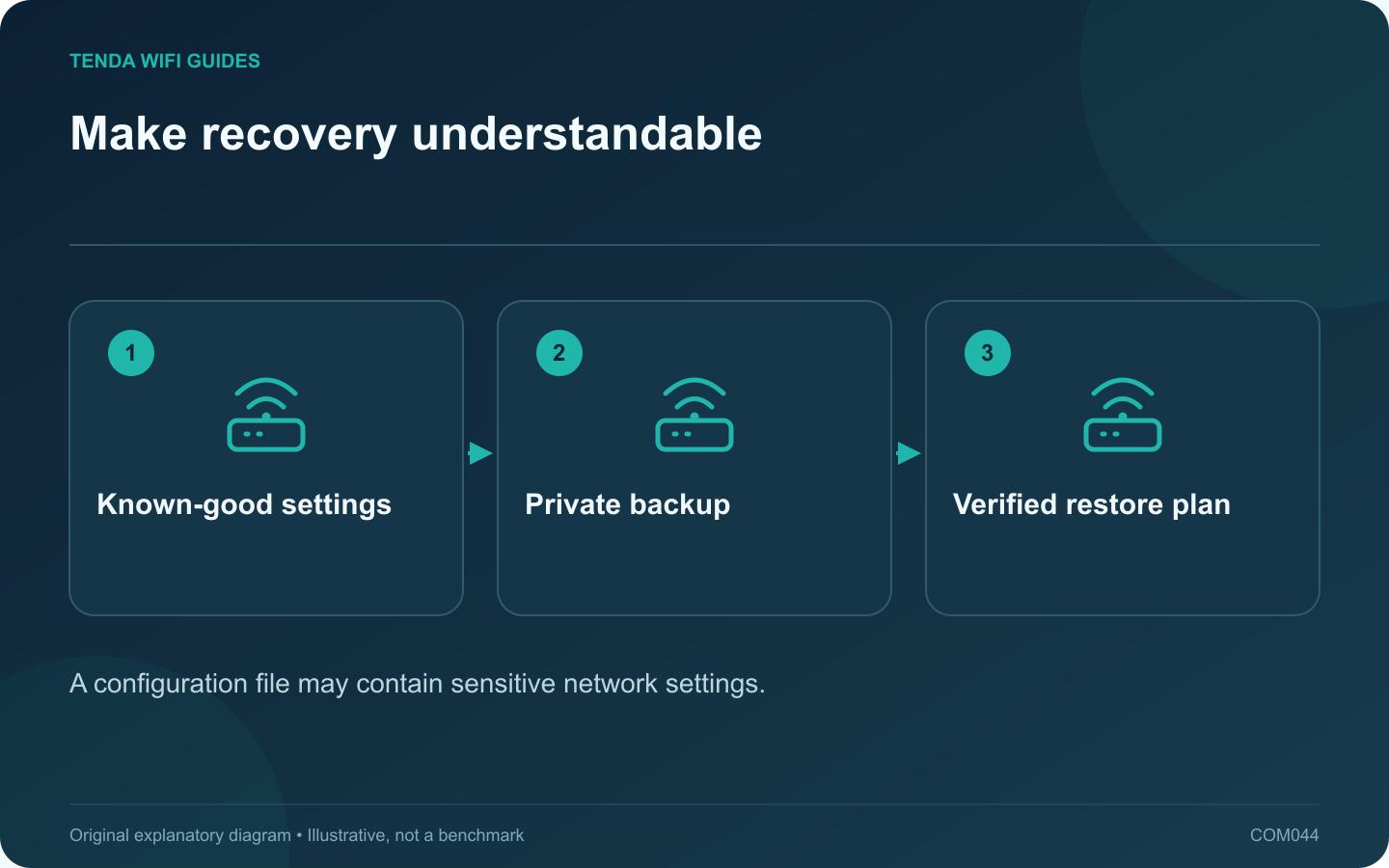
Make recovery understandable: Known-good settings; Private backup; Verified restore plan
A configuration file may contain sensitive network settings.

A configuration backup is most useful when it represents a known-working setup and you can identify the device it belongs to. Before a major RX27 Pro change, save both the supported configuration export and a short human-readable record of the network roles.

Check the device and guide

The cited RX27 Pro manual places backup and restore under More, System Settings, then Backup & Restore. Verify that the model, revision and interface match your device. Do not assume the same file or menu applies to another Tenda router.

Record the installed firmware, current operating mode and the date. A file called only backup.cfg is difficult to identify several months later, especially if you manage more than one router.

Save a private recovery package

  1. Use the router’s documented backup function while the network is working.
  2. Confirm that the file downloaded and keep it in a private, protected location.
  3. Label the copy with model, revision, firmware and date without altering the file contents.
  4. Write down the management address and the main wiring arrangement separately.
  5. Keep provider credentials in an appropriate secure record.

Do not assume cross-model compatibility

A configuration export is not a universal migration format. Before restoring it after a firmware change or onto replacement hardware, check the manufacturer’s compatibility guidance. Importing an unsuitable file can recreate old problems or apply settings to the wrong interface layout.

If you are replacing the router with a different model, use the human-readable inventory to configure it deliberately unless the manufacturer explicitly supports the import.

Verify after restoration

Test internet access from one wired client, wireless access from a normal device, and any reservations or guest rules that matter. Confirm the management credential still works and check the firmware version.

Never upload an unredacted configuration file to a public forum or webpage. Treat it as sensitive even if the filename looks harmless. A useful backup includes a clear ownership record and a tested recovery approach, not merely a file left in Downloads.

Sources and editorial notes

Sources checked 8 October 2026. Independent guidance and original illustrations; product comparisons use published specifications rather than hands-on benchmarks. Check the exact model, revision and regional documentation before changing settings.

Related guides

300 FAQs across our guide libraries

Quick answers

100 practical questions from Tenda WiFi Guides.

Browse all 100 FAQs
Why save a Tenda RX27 Pro configuration before changing it?

A configuration backup is most useful when it represents a known-working setup and you can identify the device it belongs to. Before a major RX27 Pro change, save both the supported configuration export and a short human-readable record of the network roles. The cited RX27 Pro manual places backup and restore under More, System Settings, then Backup & Restore. Verify that the model, revision and interface match your device. Do not assume the same file or menu applies to another Tenda router.

Read the full guide and sources
What matters in a router firmware release note?

Firmware release notes tell you more than whether a file is newer. They can identify compatible hardware, required intermediate versions, configuration changes and fixes relevant to your network. Read them before scheduling an interruption. Use the full model and hardware revision from the device label or supported management page. Tenda's F6 support page lists separate firmware downloads for different revisions. That is a concrete example of why a shared product name is not enough to choose a file.

Read the full guide and sources
Why keep screenshots as well as a router backup file?

A router configuration export and a set of private notes solve different problems. The export can support a documented restoration. The notes explain what the network is supposed to do and help when moving to a different device that cannot import the file. Write down the model, hardware revision, firmware, operating mode and wiring. Add the LAN address plan, reservations, guest policy and any intentionally configured forwarding or VPN rules. Keep passwords in a suitable secure record rather than placing them throughout screenshots.

Read the full guide and sources
What should I remove before selling or recycling a router?

An old router can retain network names, credentials and other configuration details after you stop using it. Before selling, donating or recycling it, preserve only the information you still need and follow the manufacturer's documented reset process for that exact model. Keep the old router available until the new network passes ordinary household tasks. Test printers, storage and smart devices as well as internet access. Once the replacement is accepted, disconnect the old router from the service path and label it as retired.

Read the full guide and sources
Independent. Practical. Clear.

Tenda WiFi Guides is an independent information website. We are not affiliated with or endorsed by Tenda. Product names belong to their respective owners.