Explore the guide library · Tenda maintenance
A reboot schedule can be an operational choice, but first record why the network needs repeated restarts.
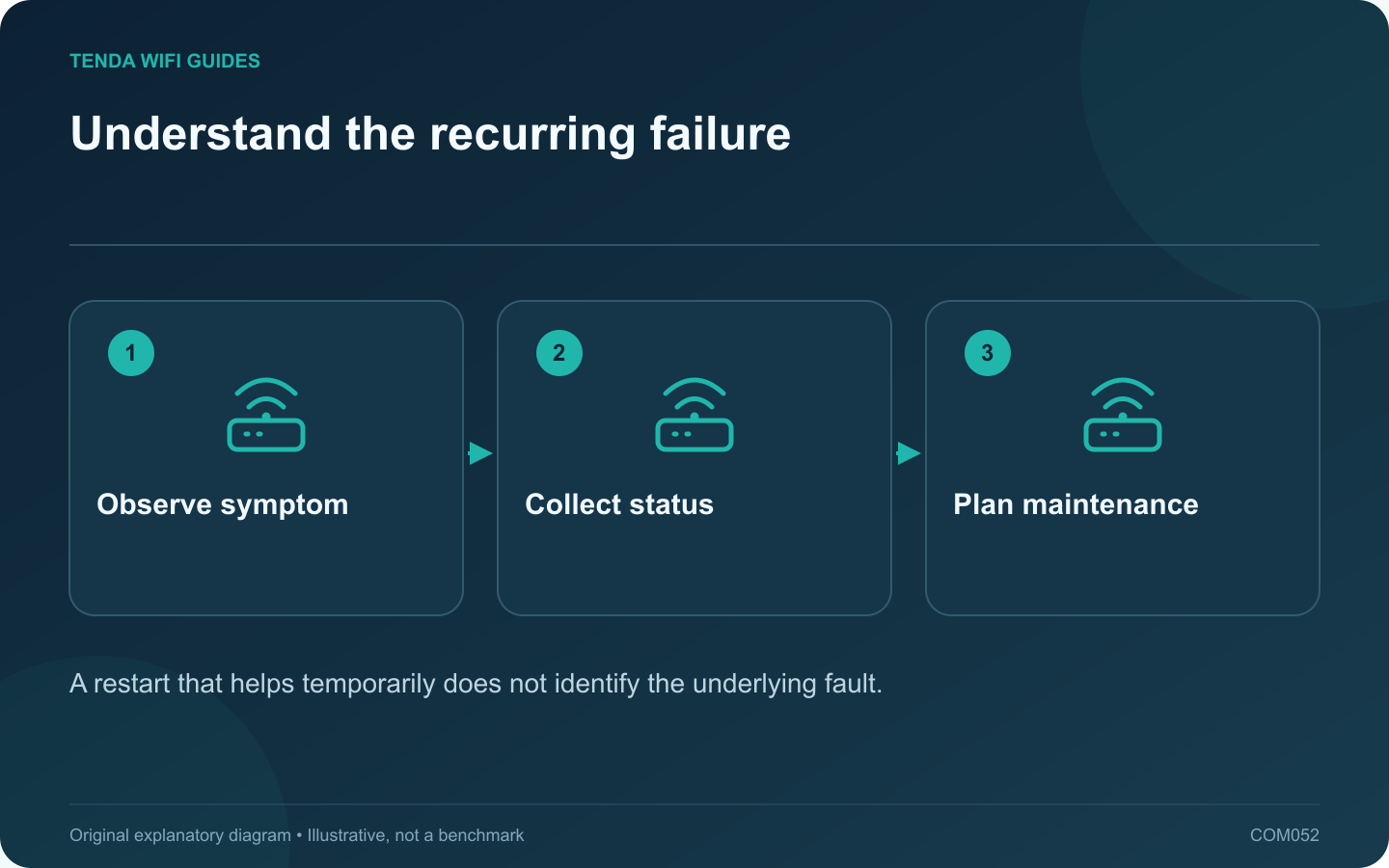
A daily restart can interrupt a recurring symptom without explaining it. Before making reboots routine, record what fails, when it fails and what the router reports. That evidence may reveal a firmware issue, an upstream outage, overheating or one problematic client.
Observe before restarting
When the fault occurs, check whether it affects all clients, only Wi-Fi or only one application. Note whether local router management still works. Save relevant logs through the supported interface before a restart clears useful information.
GL.iNet provides a scheduled reboot feature, but the existence of a timer is not a diagnosis. Use scheduled maintenance to serve a known operational need, not to hide an unexplained daily failure indefinitely.
Check the installation basics
- Keep ventilation clear and use the correct power supply.
- Check the exact model’s supported firmware and release notes.
- Inspect the upstream modem or optical terminal status.
- Look for a repeated time relationship with backups, uploads or other heavy tasks.
If a schedule is justified
Choose a time that avoids calls, security uploads and overnight work. Confirm the device’s time zone and clock first. Record the reason for the schedule and a date to review whether it is still necessary.
Test the reboot once while someone can observe it. Verify that the router, mesh nodes, printer and smart-home equipment return to normal operation. Some clients need more attention after an interruption than others.
Use the evidence for the lasting fix
Compare logs and symptom timing with the manufacturer’s current support guidance. If an update addresses the fault, apply it through the supported process and reassess the need for the timer. If the router remains unstable, investigate replacement or support using the collected evidence.
A maintained network should not depend on an undocumented ritual that nobody else understands. If you retain a reboot schedule, make its purpose and effects clear to anyone who manages the household connection.
Sources and editorial notes
Sources checked 8 October 2026. Independent guidance and original illustrations; product comparisons use published specifications rather than hands-on benchmarks. Check the exact model, revision and regional documentation before changing settings.