Explore the guide library · Tenda maintenance
Keep the recovery information you still need, remove the old device from service and follow its documented reset process before transfer.
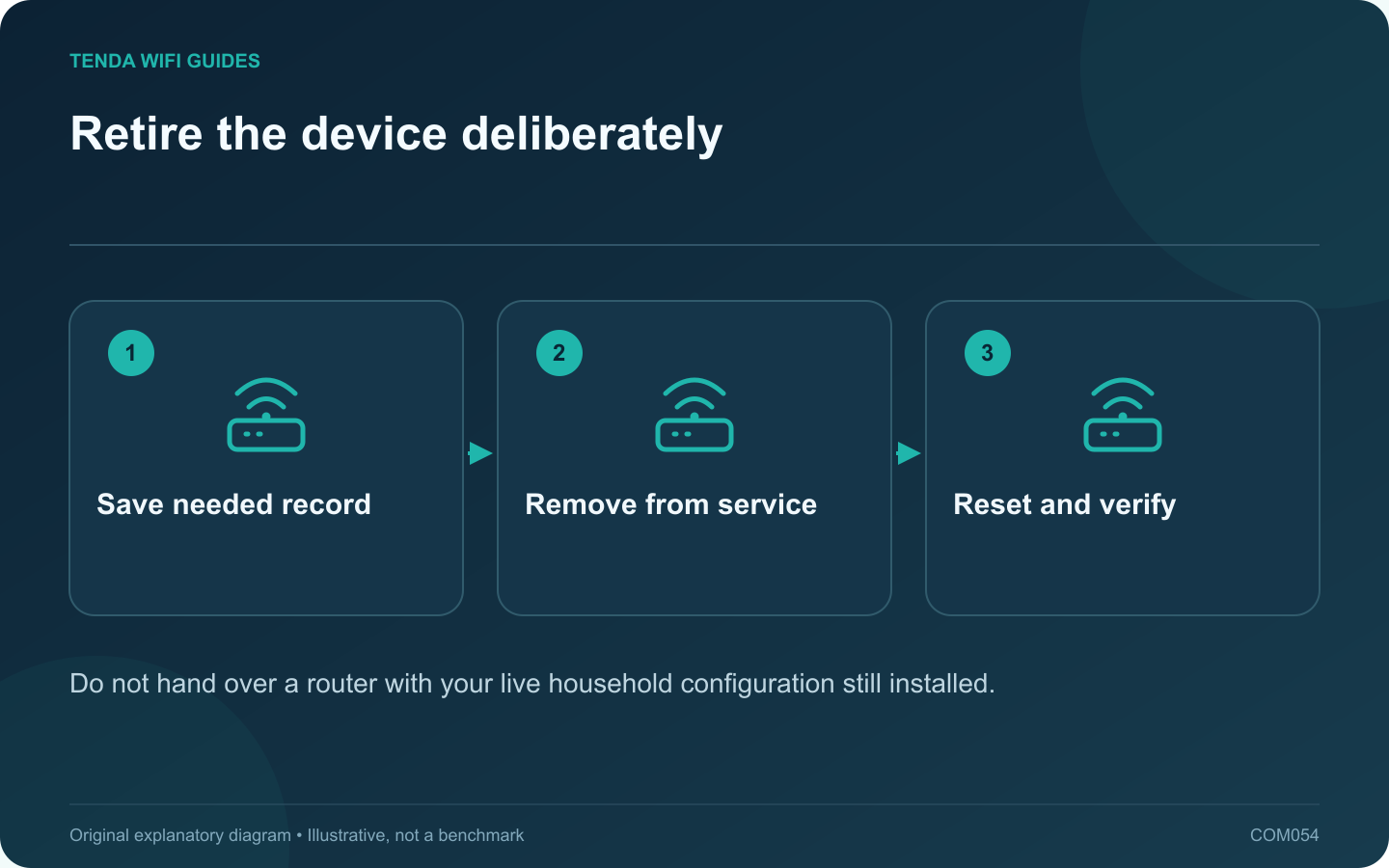
An old router can retain network names, credentials and other configuration details after you stop using it. Before selling, donating or recycling it, preserve only the information you still need and follow the manufacturer’s documented reset process for that exact model.
Confirm the replacement is working
Keep the old router available until the new network passes ordinary household tasks. Test printers, storage and smart devices as well as internet access. Once the replacement is accepted, disconnect the old router from the service path and label it as retired.
Save the useful private record
Retain a configuration backup only if you have a legitimate recovery need and can store it securely. Keep a readable record of settings that were migrated, then remove obsolete access rules from the active network.
Tenda documents model-specific backup and revision-specific support resources. Use the manual for the retired hardware rather than assuming all reset buttons use the same timing or indicator sequence.
Remove account associations where applicable
If the product was connected to a management account or mesh system, follow its supported removal process. Resetting local settings and removing an account association may be separate operations. Verify the manufacturer’s instructions for the actual product.
Reset and inspect
- Use the documented factory-reset procedure with a stable power supply.
- Allow the reset and restart to finish.
- Confirm the old household network name is no longer broadcast by that unit.
- Inspect the supported initial-setup state without entering your live credentials again.
- Remove private labels or notes attached to the device or packaging.
Do not assume a reboot, unplugging or changing the Wi-Fi name erased the configuration. Those are different actions.
Transfer responsibly
Disclose the model, revision and maintenance status accurately to a recipient. If the product is unsuitable for continued use, use an appropriate electronics recycling route. Keep any retained backup private; it should not accompany the device to a new owner.
Sources and editorial notes
Sources checked 8 October 2026. Independent guidance and original illustrations; product comparisons use published specifications rather than hands-on benchmarks. Check the exact model, revision and regional documentation before changing settings.