Independent setup & troubleshootingHelping you find your connection.
The guide library

Should you schedule a daily router reboot?

Explore the guide library · Tenda maintenance

A reboot schedule can be an operational choice, but first record why the network needs repeated restarts.
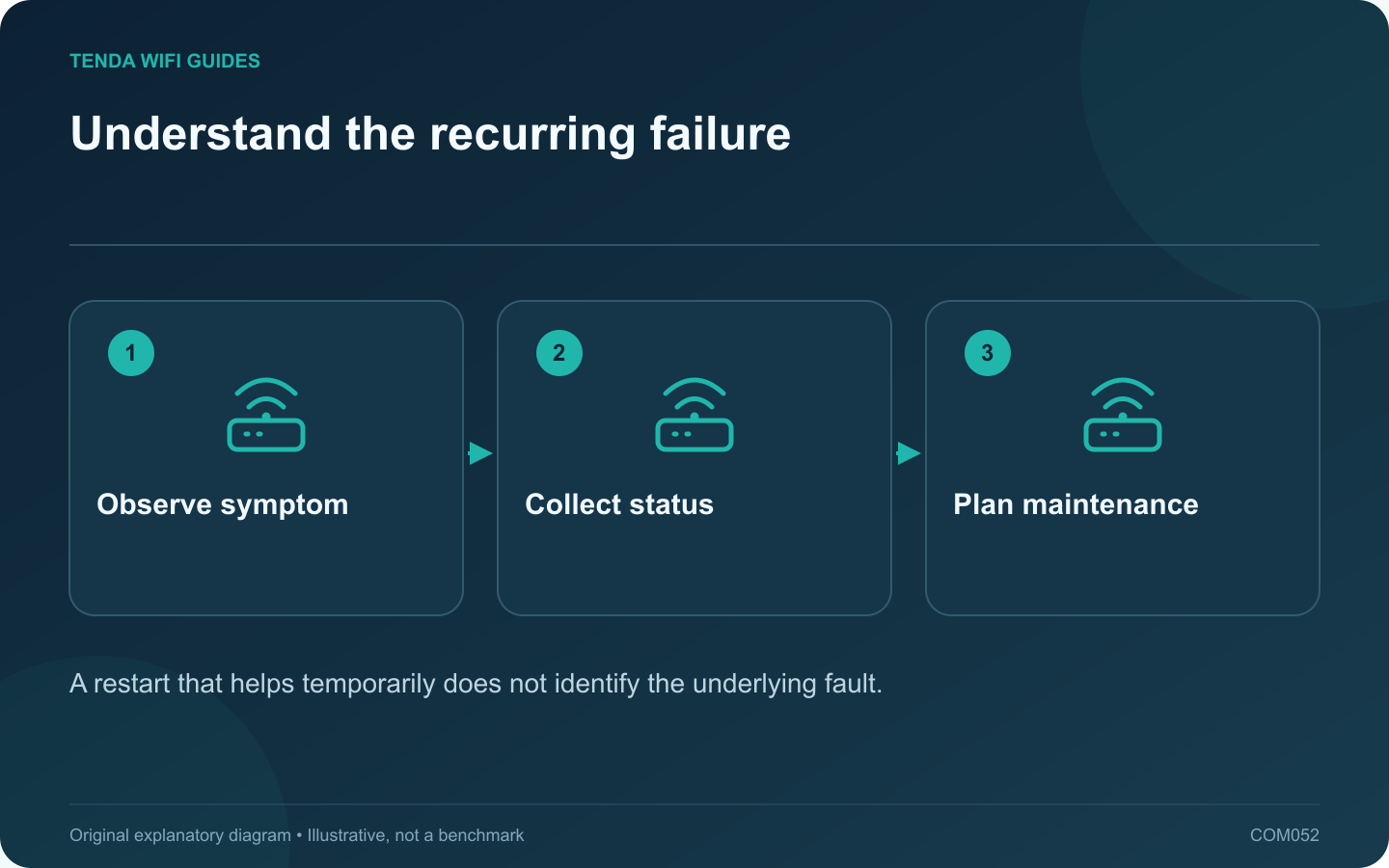
Understand the recurring failure: Observe symptom; Collect status; Plan maintenance
A restart that helps temporarily does not identify the underlying fault.

A daily restart can interrupt a recurring symptom without explaining it. Before making reboots routine, record what fails, when it fails and what the router reports. That evidence may reveal a firmware issue, an upstream outage, overheating or one problematic client.

Observe before restarting

When the fault occurs, check whether it affects all clients, only Wi-Fi or only one application. Note whether local router management still works. Save relevant logs through the supported interface before a restart clears useful information.

GL.iNet provides a scheduled reboot feature, but the existence of a timer is not a diagnosis. Use scheduled maintenance to serve a known operational need, not to hide an unexplained daily failure indefinitely.

Check the installation basics

  • Keep ventilation clear and use the correct power supply.
  • Check the exact model’s supported firmware and release notes.
  • Inspect the upstream modem or optical terminal status.
  • Look for a repeated time relationship with backups, uploads or other heavy tasks.

If a schedule is justified

Choose a time that avoids calls, security uploads and overnight work. Confirm the device’s time zone and clock first. Record the reason for the schedule and a date to review whether it is still necessary.

Test the reboot once while someone can observe it. Verify that the router, mesh nodes, printer and smart-home equipment return to normal operation. Some clients need more attention after an interruption than others.

Use the evidence for the lasting fix

Compare logs and symptom timing with the manufacturer’s current support guidance. If an update addresses the fault, apply it through the supported process and reassess the need for the timer. If the router remains unstable, investigate replacement or support using the collected evidence.

A maintained network should not depend on an undocumented ritual that nobody else understands. If you retain a reboot schedule, make its purpose and effects clear to anyone who manages the household connection.

Sources and editorial notes

Sources checked 8 October 2026. Independent guidance and original illustrations; product comparisons use published specifications rather than hands-on benchmarks. Check the exact model, revision and regional documentation before changing settings.

Related guides

300 FAQs across our guide libraries

Quick answers

100 practical questions from Tenda WiFi Guides.

Browse all 100 FAQs
Is a daily router reboot a good solution to instability?

A daily restart can interrupt a recurring symptom without explaining it. Before making reboots routine, record what fails, when it fails and what the router reports. That evidence may reveal a firmware issue, an upstream outage, overheating or one problematic client. When the fault occurs, check whether it affects all clients, only Wi-Fi or only one application. Note whether local router management still works. Save relevant logs through the supported interface before a restart clears useful information.

Read the full guide and sources
Why save a Tenda RX27 Pro configuration before changing it?

A configuration backup is most useful when it represents a known-working setup and you can identify the device it belongs to. Before a major RX27 Pro change, save both the supported configuration export and a short human-readable record of the network roles. The cited RX27 Pro manual places backup and restore under More, System Settings, then Backup & Restore. Verify that the model, revision and interface match your device. Do not assume the same file or menu applies to another Tenda router.

Read the full guide and sources
What should I remove before selling or recycling a router?

An old router can retain network names, credentials and other configuration details after you stop using it. Before selling, donating or recycling it, preserve only the information you still need and follow the manufacturer's documented reset process for that exact model. Keep the old router available until the new network passes ordinary household tasks. Test printers, storage and smart devices as well as internet access. Once the replacement is accepted, disconnect the old router from the service path and label it as retired.

Read the full guide and sources
What belongs in a useful router change log?

A simple change log can prevent hours of guessing after a network problem appears. Record significant router changes while you make them, including the reason and the previous working value. The log does not need to contain every status detail or any publicly shared credentials. For a guest-isolation adjustment, record allowed and blocked local access. For a reservation, record the address obtained after reconnecting. For a channel change, keep the client and location constant. A generic “internet works” note is not enough to validate every setting.

Read the full guide and sources
Independent. Practical. Clear.

Tenda WiFi Guides is an independent information website. We are not affiliated with or endorsed by Tenda. Product names belong to their respective owners.