Independent setup & troubleshootingHelping you find your connection.
The guide library

How to read router firmware release notes before updating

Explore the guide library · Tenda maintenance

Check hardware revision, upgrade prerequisites, preserved settings and the specific problem an update addresses.
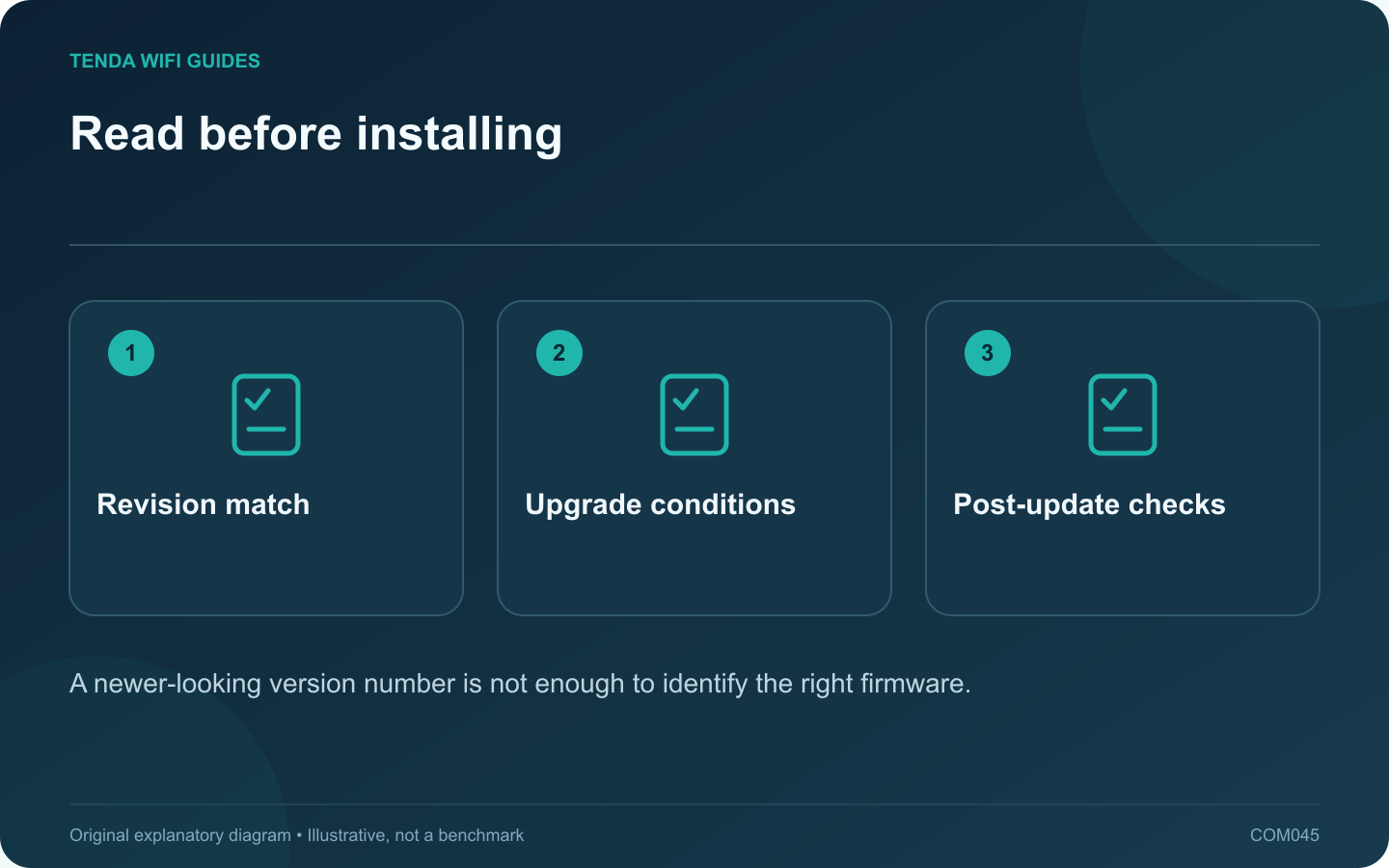
Read before installing: Revision match; Upgrade conditions; Post-update checks
A newer-looking version number is not enough to identify the right firmware.

Firmware release notes tell you more than whether a file is newer. They can identify compatible hardware, required intermediate versions, configuration changes and fixes relevant to your network. Read them before scheduling an interruption.

Match the hardware branch

Use the full model and hardware revision from the device label or supported management page. Tenda’s F6 support page lists separate firmware downloads for different revisions. That is a concrete example of why a shared product name is not enough to choose a file.

Keep the installed firmware version in the record too. Do not compare version strings across unrelated hardware branches and assume the larger number is an upgrade for your router.

Look for four kinds of instruction

  • Compatibility: exact model, region and hardware revision.
  • Prerequisites: required starting version or upgrade sequence.
  • Configuration impact: whether settings are retained, reset or need manual changes.
  • Known limitations: features or clients that need attention after the update.

Connect the update to a checkable outcome

If the notes address a problem you experience, record a baseline before updating. For a stability fix, note the failing task and conditions. For a security update, prioritize following the vendor’s supported installation guidance rather than trying to reproduce the vulnerability.

Use the official download or supported online-update mechanism. Prepare a backup where the product supports one and keep power stable during installation. Follow the stated waiting and restart instructions.

Verify the installation

After the router returns, confirm the installed version and test ordinary internet, Wi-Fi and essential local services. Check the exact feature affected by the notes separately.

If a regression appears, consult the manufacturer’s supported recovery path. Do not assume downgrading or restoring an older configuration is always permitted. Keep the release notes and your observations with the device record so a later support request starts with useful evidence.

Sources and editorial notes

Sources checked 8 October 2026. Independent guidance and original illustrations; product comparisons use published specifications rather than hands-on benchmarks. Check the exact model, revision and regional documentation before changing settings.

Related guides

300 FAQs across our guide libraries

Quick answers

100 practical questions from Tenda WiFi Guides.

Browse all 100 FAQs
What matters in a router firmware release note?

Firmware release notes tell you more than whether a file is newer. They can identify compatible hardware, required intermediate versions, configuration changes and fixes relevant to your network. Read them before scheduling an interruption. Use the full model and hardware revision from the device label or supported management page. Tenda's F6 support page lists separate firmware downloads for different revisions. That is a concrete example of why a shared product name is not enough to choose a file.

Read the full guide and sources
Why keep screenshots as well as a router backup file?

A router configuration export and a set of private notes solve different problems. The export can support a documented restoration. The notes explain what the network is supposed to do and help when moving to a different device that cannot import the file. Write down the model, hardware revision, firmware, operating mode and wiring. Add the LAN address plan, reservations, guest policy and any intentionally configured forwarding or VPN rules. Keep passwords in a suitable secure record rather than placing them throughout screenshots.

Read the full guide and sources
Is a daily router reboot a good solution to instability?

A daily restart can interrupt a recurring symptom without explaining it. Before making reboots routine, record what fails, when it fails and what the router reports. That evidence may reveal a firmware issue, an upstream outage, overheating or one problematic client. When the fault occurs, check whether it affects all clients, only Wi-Fi or only one application. Note whether local router management still works. Save relevant logs through the supported interface before a restart clears useful information.

Read the full guide and sources
Why save a Tenda RX27 Pro configuration before changing it?

A configuration backup is most useful when it represents a known-working setup and you can identify the device it belongs to. Before a major RX27 Pro change, save both the supported configuration export and a short human-readable record of the network roles. The cited RX27 Pro manual places backup and restore under More, System Settings, then Backup & Restore. Verify that the model, revision and interface match your device. Do not assume the same file or menu applies to another Tenda router.

Read the full guide and sources
Independent. Practical. Clear.

Tenda WiFi Guides is an independent information website. We are not affiliated with or endorsed by Tenda. Product names belong to their respective owners.